why! V540TU Battery Replacement
ID: 186265
Description: This guide shows you how to replace the battery...
Steps:
- Unscrew the screws circled in red.
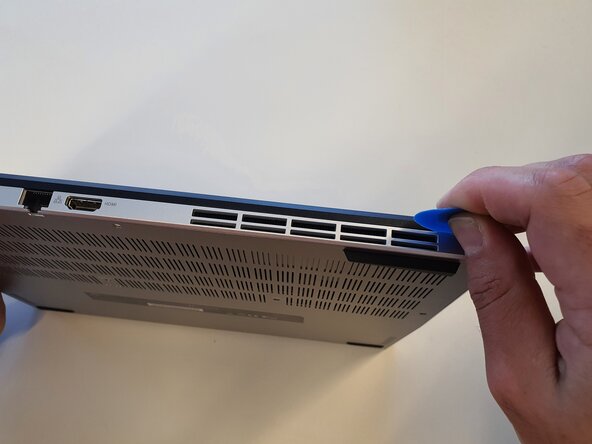
- Insert the opening pick into the gap and slide it all the way around.
- Unclip the housing at the corners.
- Lift the cover.
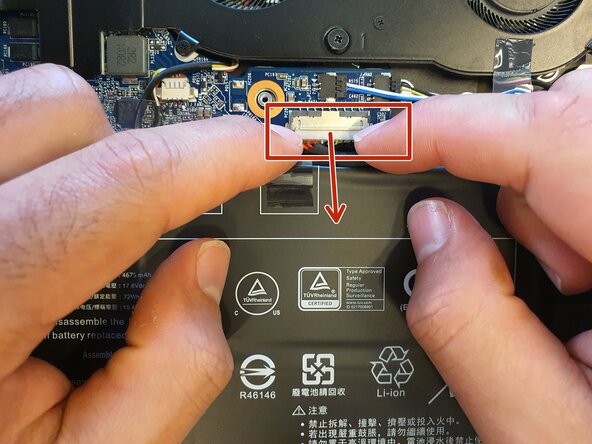
- Unplug the cable.
- Unscrew the screws circled in red and remove the battery.