Azpen A1045 Camera Replacement
ID: 186302
Description: This guide will show you how to properly locate...
Steps:
- Power off the tablet by holding the side button for five seconds.
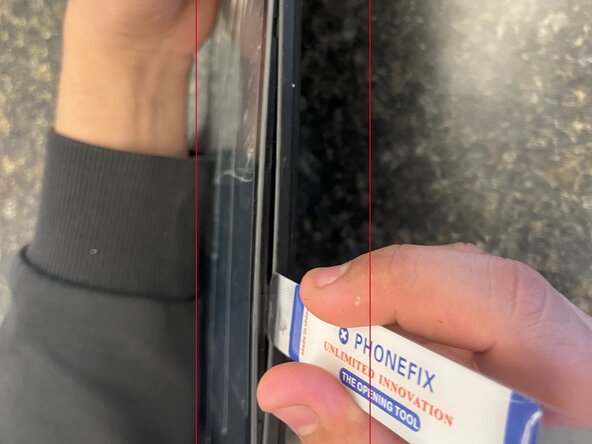
- Insert an opening tool into one of the sides and lift until the screen comes off.
- This tablet is secured by clips on the sides; no adhesive is used.
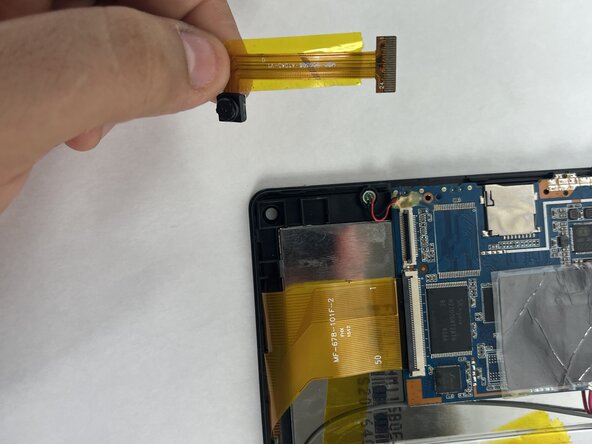
- Start by locating the camera, which is directly above the battery if you are holding the tablet front side up.
- Using your iFixit opening tool, gently lift the black tab holding the orange ribbon cable.
- This will unlock the cable so you can safely slide it out without damage.
- Be careful not to use too much force, as the tab can break easily.
- Remove the camera from the tablet.