Framework Laptop 12 Safety
ID: 186321
Description: Initial safety prerequisite step. Unplug the...
Steps:
- Before you begin repairs, unplug your laptop and shut it down from the operating system. This ensures that the laptop isn't in standby/suspend mode.
- The indicator LEDs along the edges should be unlit. The laptop should be silent.
- If you accidentally turn on the laptop during repair, hold the power button down for 10 seconds to shut it down.
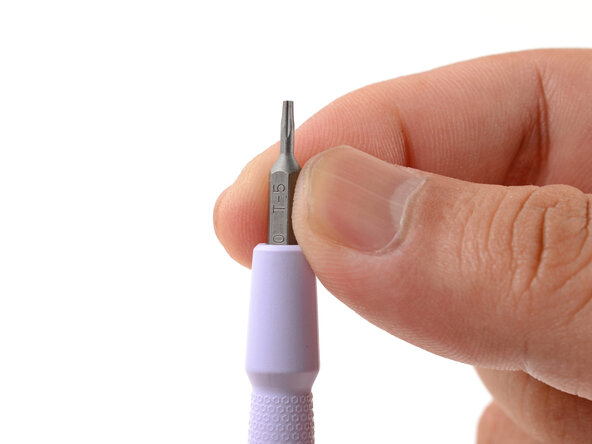
- Make sure your Framework Screwdriver has the T5 Torx bit (labeled as T-5) facing outwards. If it's not, pull the bit out and flip it.