Framework Laptop 12 Expansion Card Removal
ID: 186322
Description: Remove the Expansion Cards as a prerequisite.
Steps:
- Set your Framework Laptop face-down on a clean work surface.
- Use your fingers to flip the two Expansion Card latches (one for each side) into the unlocked position.
- The latches display a red bar when they're unlocked.
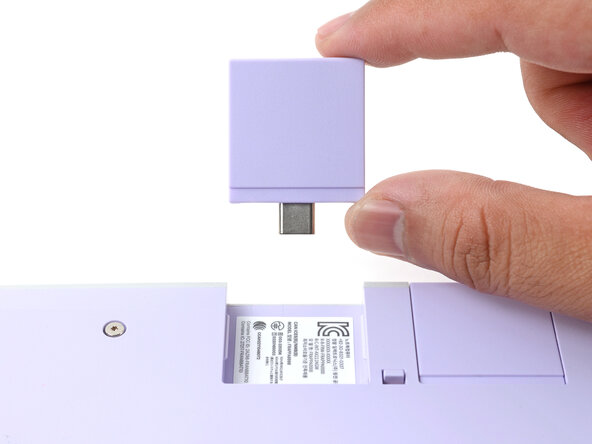
- Grip the lip of an Expansion Card with your fingers.
- Pull the Expansion Card out of its slot and remove it.
- If you have trouble pulling the Expansion Card out, you can also use the flat end of your Framework Screwdriver to push against the lip.
- Repeat this procedure to remove all remaining Expansion Cards.