2006 Toyota Matrix Center Brake Light Bulb Replacement
ID: 186387
Description: In this guide, I will show how to repair a...
Steps:
- Open the trunk.
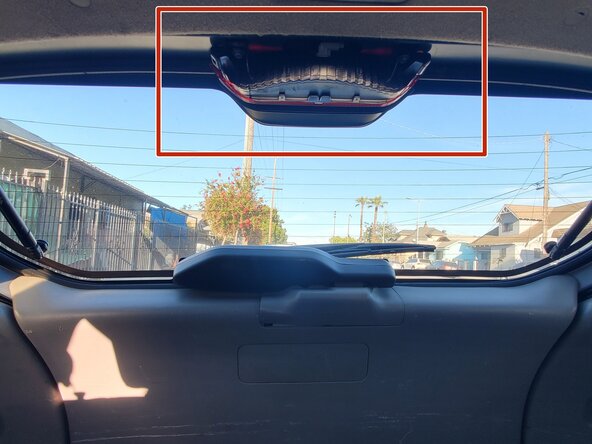
- The brake light is located at the upper center of the inside of the trunk window.
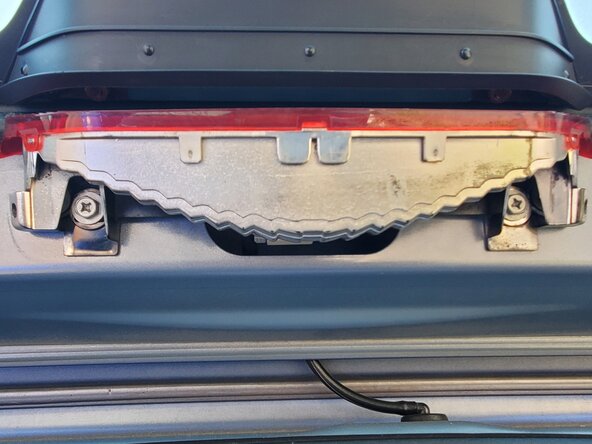
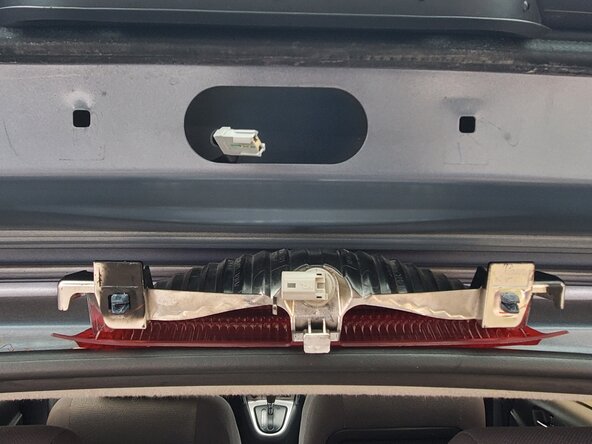
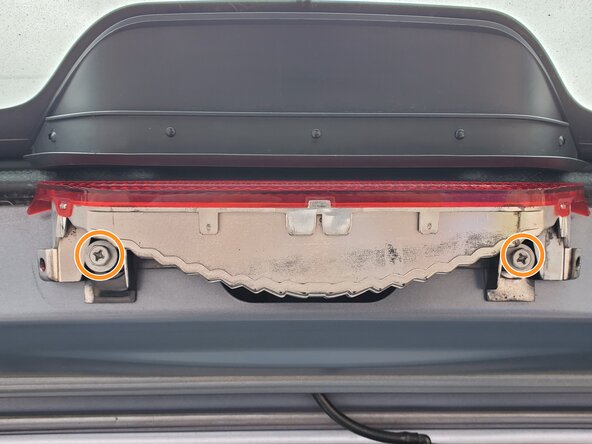
- Use a Phillips screwdriver to remove two screws from the brake light mount.
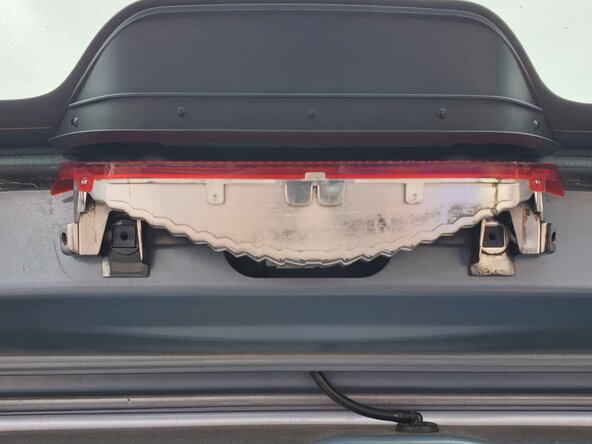
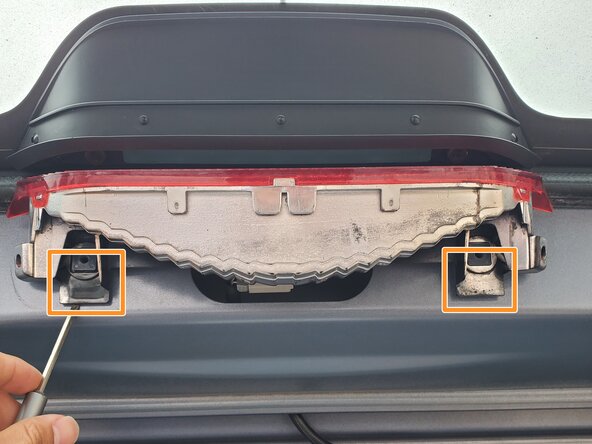
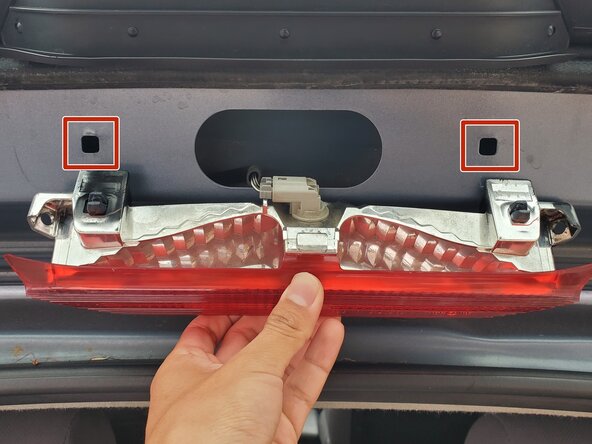
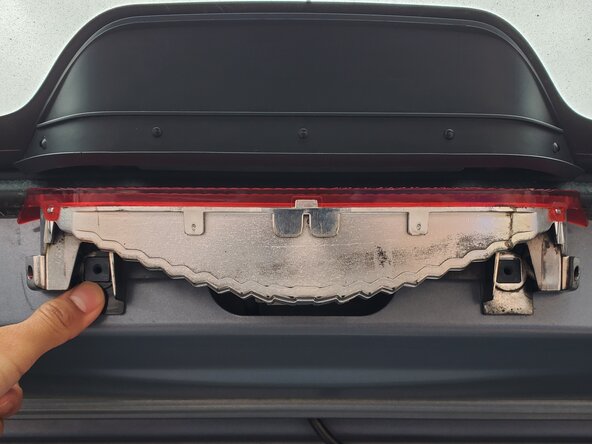
- Use a flathead screwdriver to pry the brake light mount on both sides and push out the black plastic fasteners.
- To prevent the brake light mount from falling, hold it in place while pushing out the plastic fasteners.
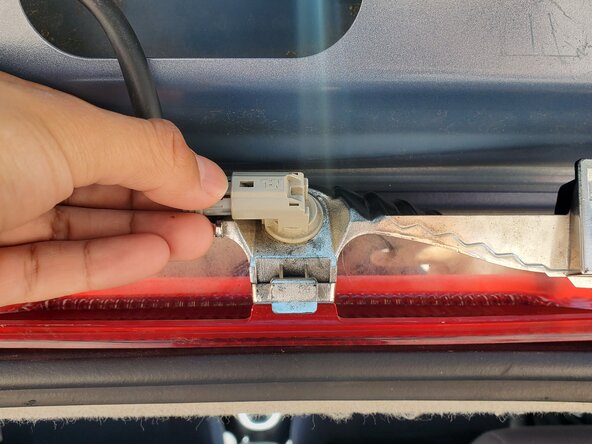
- Hold the brake mount in place, carefully press down on the brake light cable connector, and remove it from the socket.
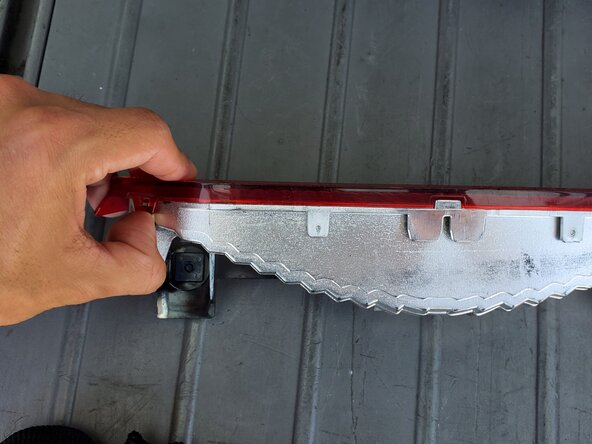
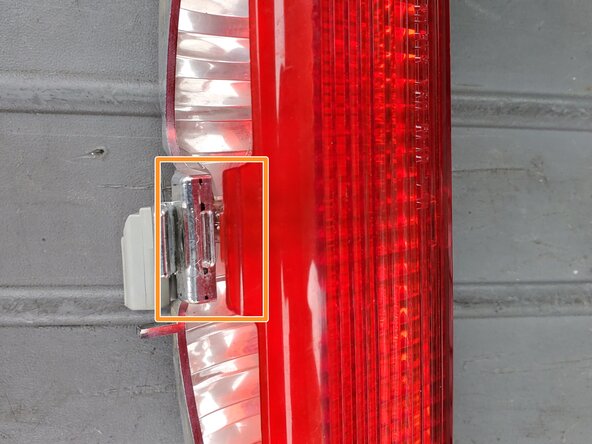
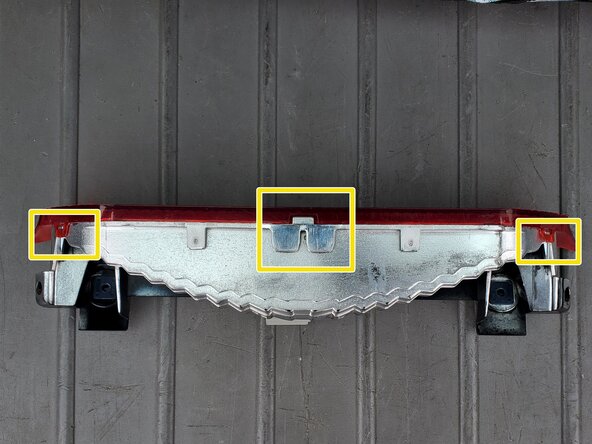
- Unclip the red light cover from the mounting points on both the front-left and front-right sides.
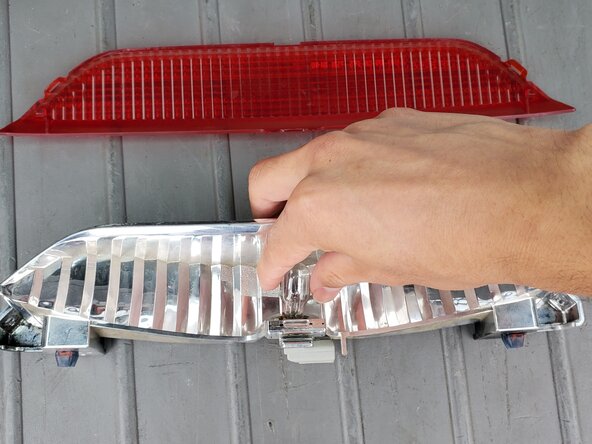
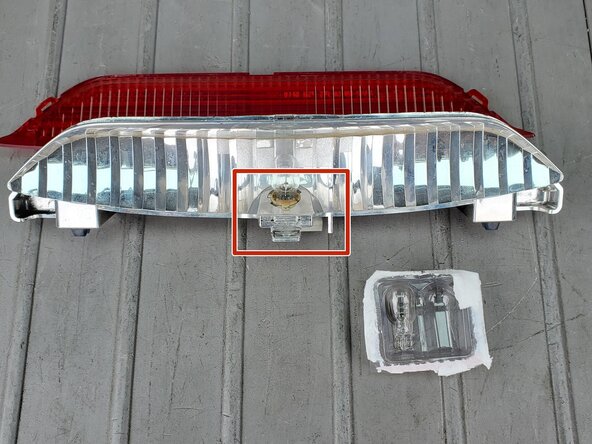
- Gently wiggle and pull out the light bulb from its location.
- Insert the new light bulb, then carefully press down to secure the light bulb.
- Insert the center clip of the red cover into the slot on the brake light mount.
- Clip the lens front-side left and right clipping position into the mount's designated clipping locations.
- Reconnect the brake light mount to the cable attachment.
- Push the mount's black plastic fasteners into the highlighted holes.
- Use moderate force to push in the plastic fasteners
- Replace the two Phillips screws into the brake light mount.