Framework Laptop 12 Display Cover Replacement
ID: 186395
Description: Follow this guide to remove and replace the...
Steps:
- Open the laptop lid so that both the screen and the base lie flat on your work surface.
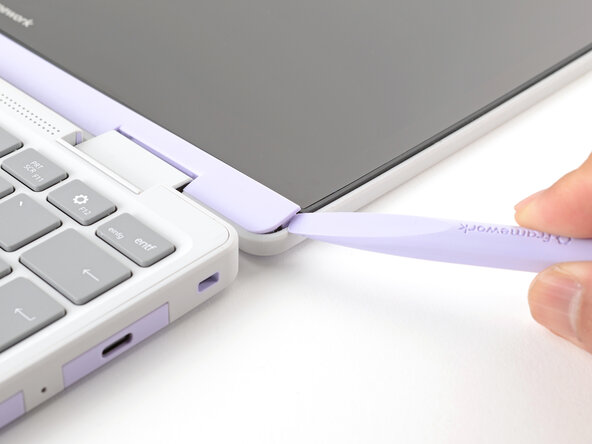
- The Display Cover is held in place with magnets along the top edge and clips along the remaining edges.
- Use the flat end of your Framework Screwdriver to pry up the right edge of the Display Cover.
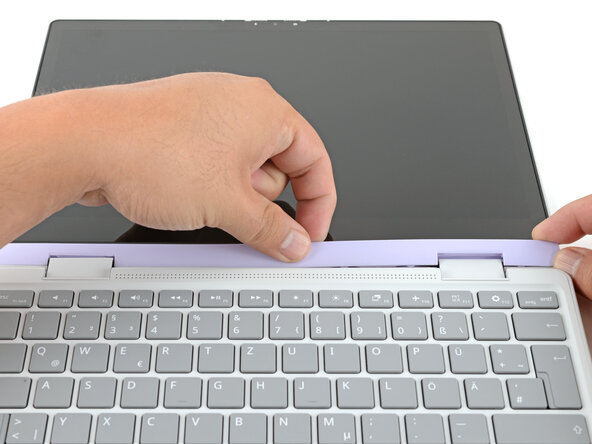
- Slide your fingers under the top edge of the Display Cover to release it from the laptop.
- Remove the Display Cover.
- Congratulations on completing disassembly! The remaining steps will show how to reassemble your Framework Laptop.
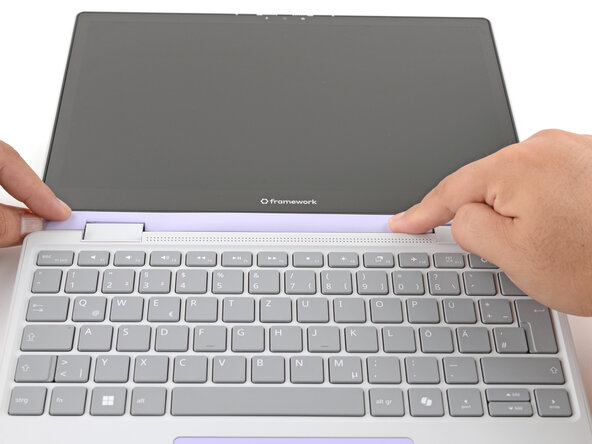
- Align the Display Cover to the bottom of the display.
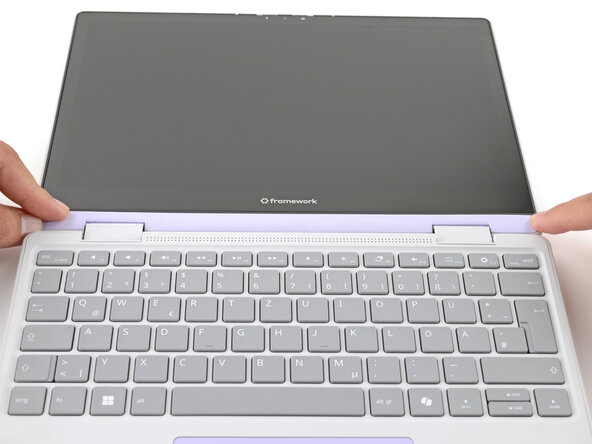
- Use your finger to press along the length of the Display Cover to snap it onto the laptop.
- Make sure all the clips along the left, top, and right edges are fully seated.