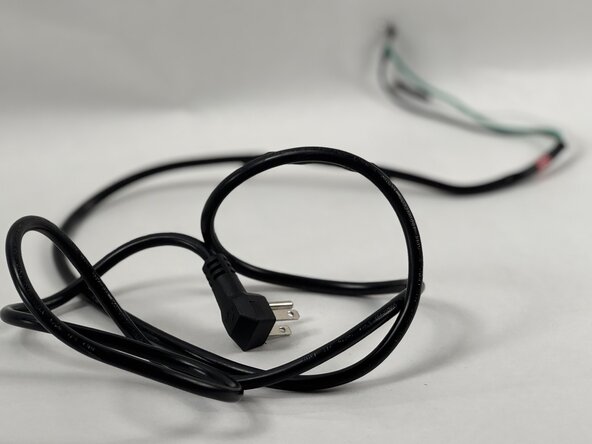
Euhomy IM-06D Power Supply Cable Replacement
ID: 186475
Description: This guide is for the Euhomy IM-06D icemaker....
Steps:
- Rotate the device so that the screws on the bottom are visible.
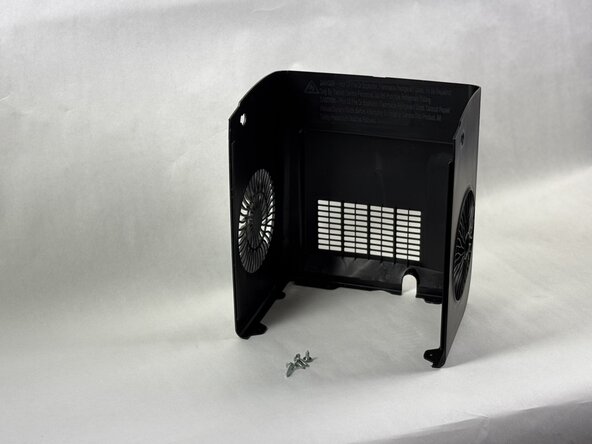
- Remove the two 15 mm Phillips screws.
- Remove the two 10 mm Phillips screws.
- Remove the back panel from the device.
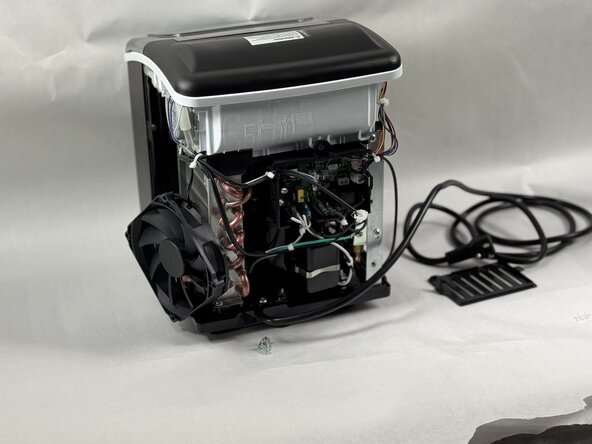
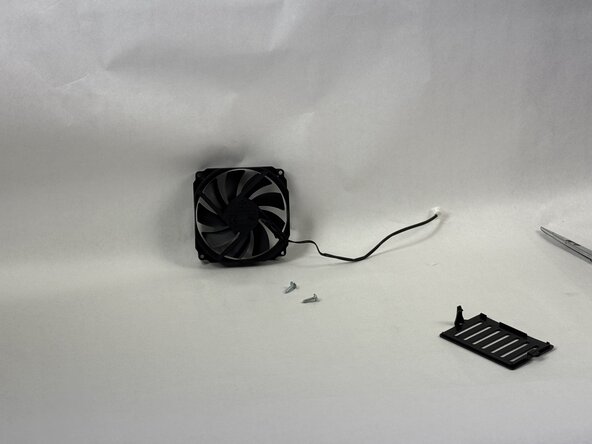
- Remove the two 10 mm Phillips screws that secure the fan.
- Remove the cover plate.
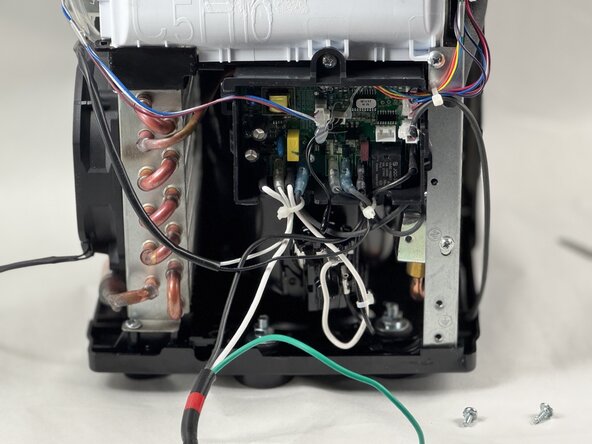
- Snip the zip tie holding the wires together.
- Unplug the wire from the board.
- Remove the fan from the device.
- Follow the green ground wire and remove the 15 mm screw securing it with a Phillips screwdriver.
- Remove the Phillips screw holding the power cable in place.
- Follow the white wire and unplug it from the motherboard.
- Follow the black wire and disconnect it from the motherboard.
- Remove the power supply cable.