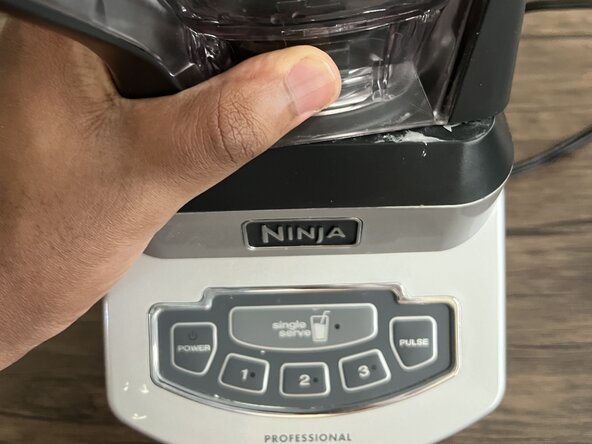
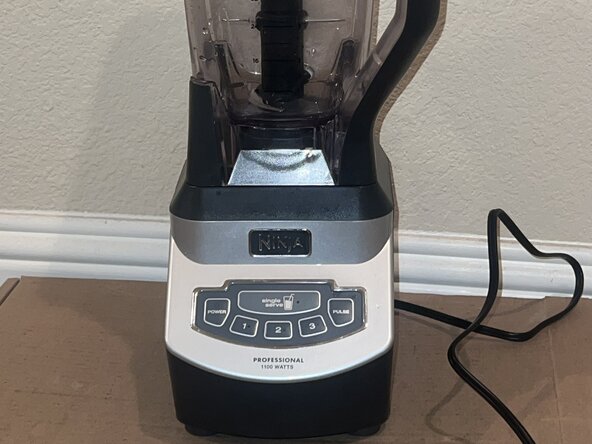
Ninja Professional Blender BL660 Drive Socket Replacement
ID: 190811
Description: This guide will show you how to replace the...
Steps:
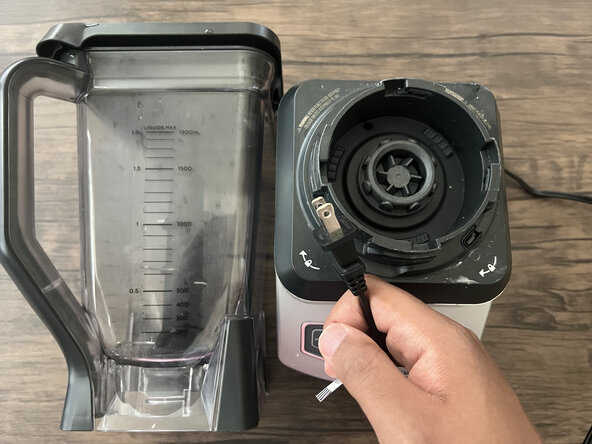
- Make sure your blender is unplugged before you begin.
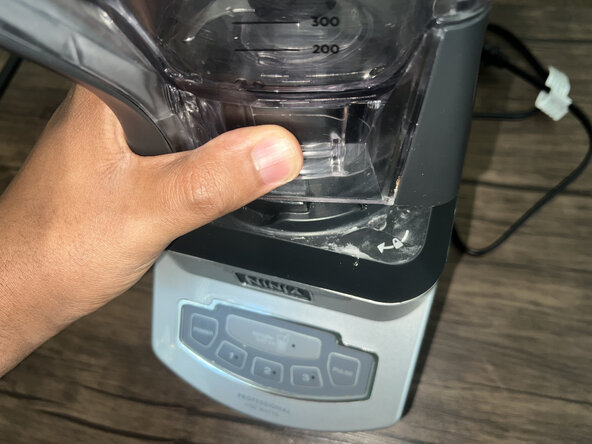
- Remove the blender jar and blades.
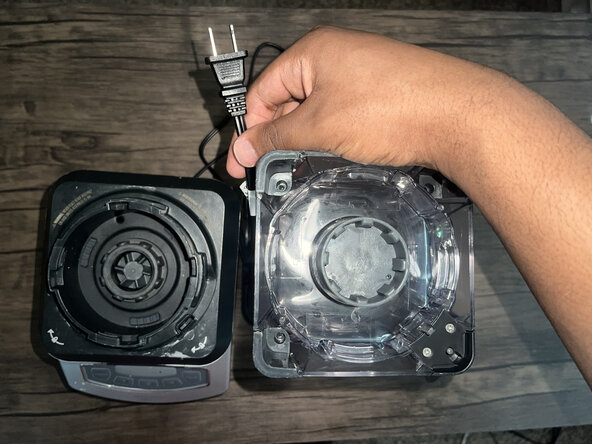
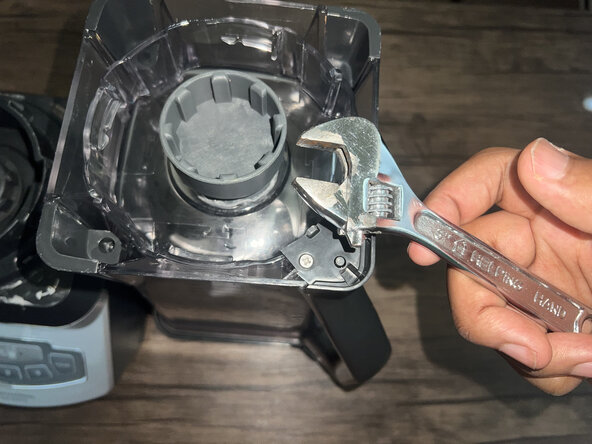
- Turn the blender jar upside down and set it next to the base.
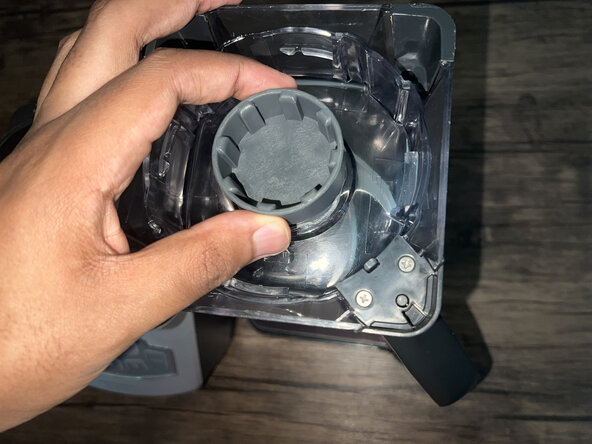
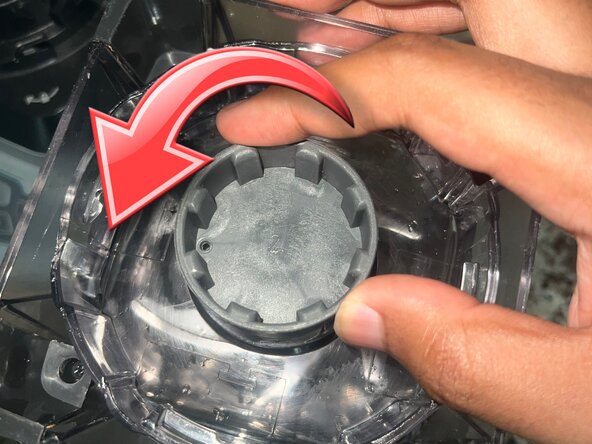
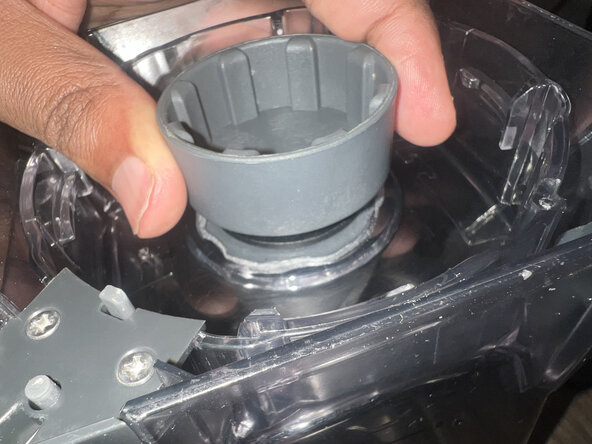
- Use pliers or a wrench to unscrew the worn drive socket.
- Make sure to unscrew it counterclockwise.
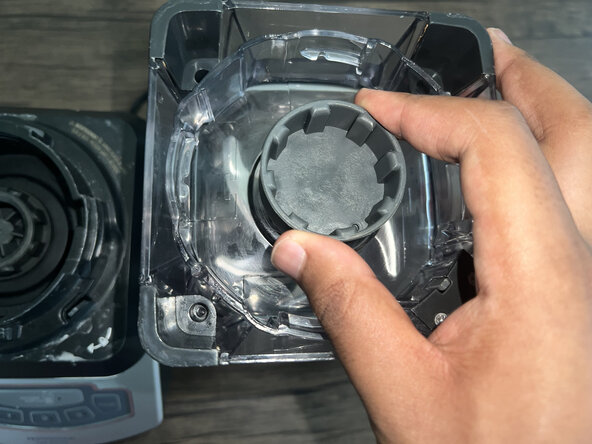
- Align the replacement drive socket with the mount and hand-tighten.
- Ensure it is tightened securely.
- Twist the blender jar back into its base.
- Test the new socket by running the blender with an empty jar.