Framework Desktop Power Supply Installation (No Duct)
ID: 191606
Description:
Steps:
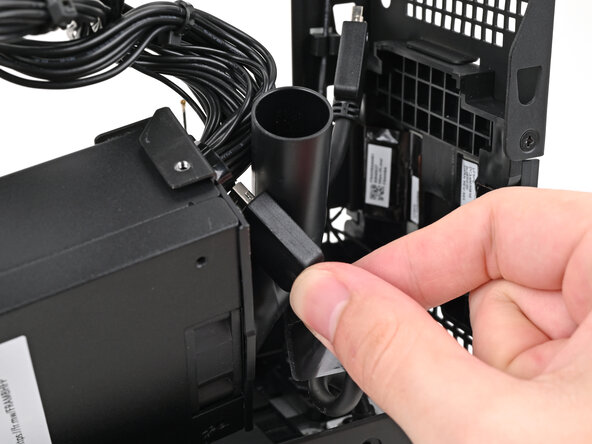
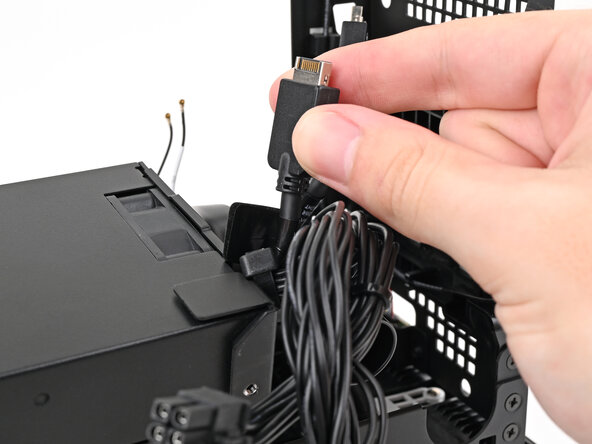
- Thread the right Expansion card cable through the gap between the power supply and its duct.
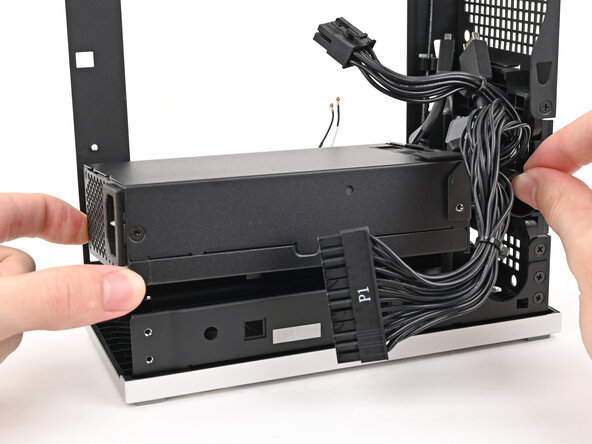
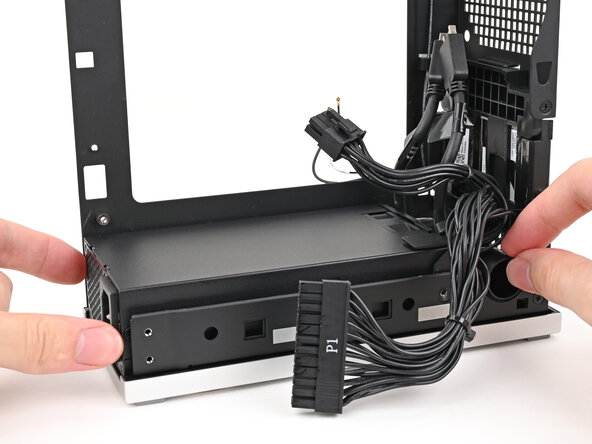
- Place the power supply into its slot in the bottom of the Desktop.
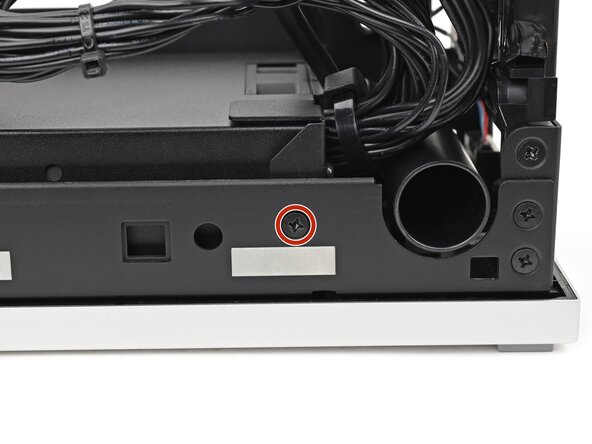
- Use your Framework Desktop Screwdriver to install the 4.0 mm‑long Phillips screw securing the power supply.
- If you didn't remove the rear plate, skip this step.
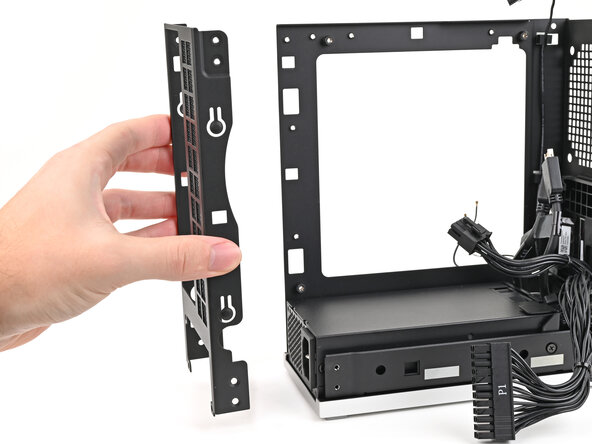
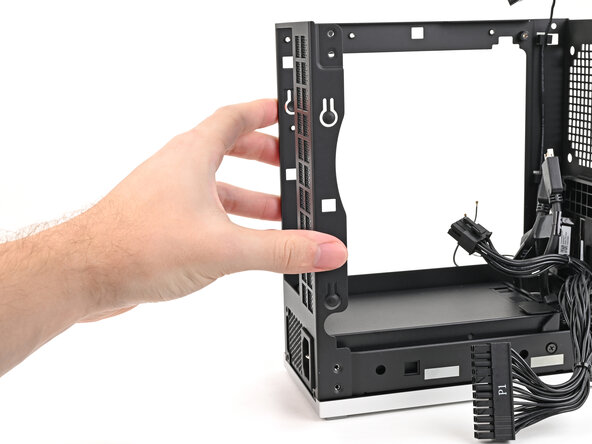
- Place the rear plate onto the back of the Desktop.
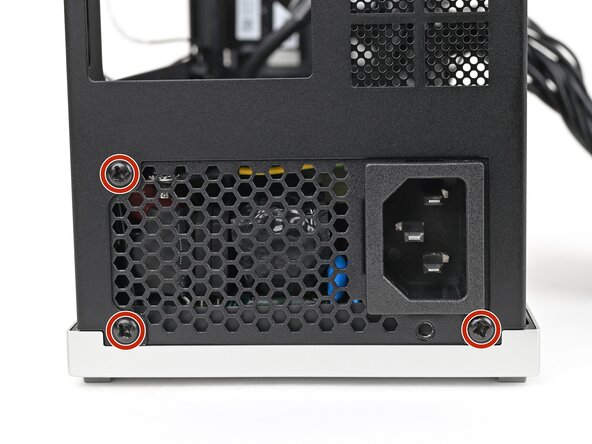
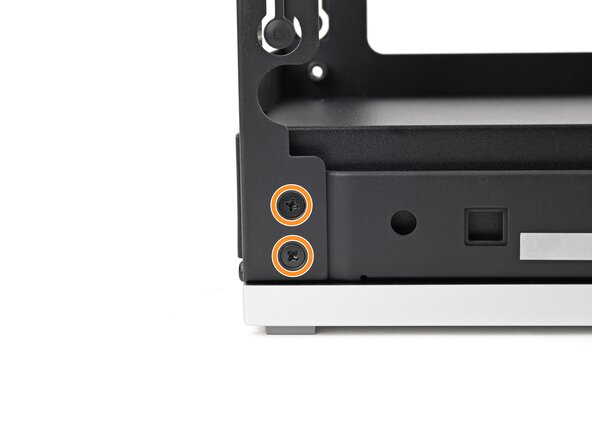
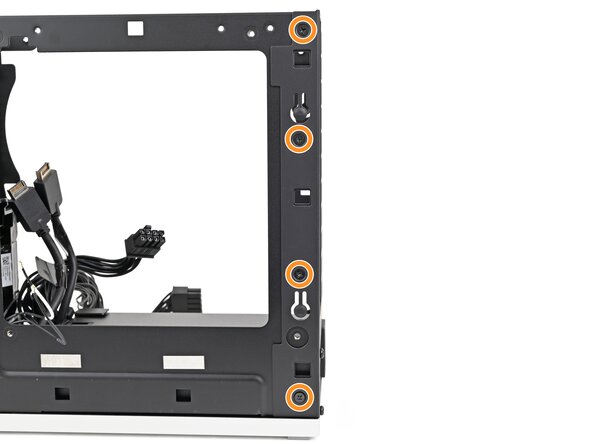
- Use your Framework Desktop Screwdriver to install the three 5.9 mm‑long Phillips screws securing the power supply.
- If you removed the rear plate, install the six 4.0 mm‑long screws securing the rear plate.