Framework Desktop Primary Storage Removal (Mainboard)
ID: 191681
Description:
Steps:
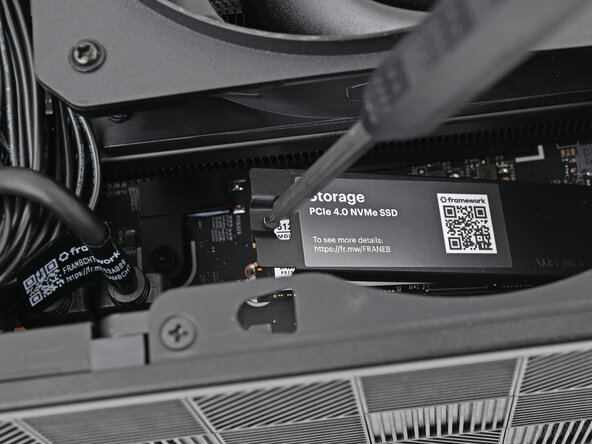
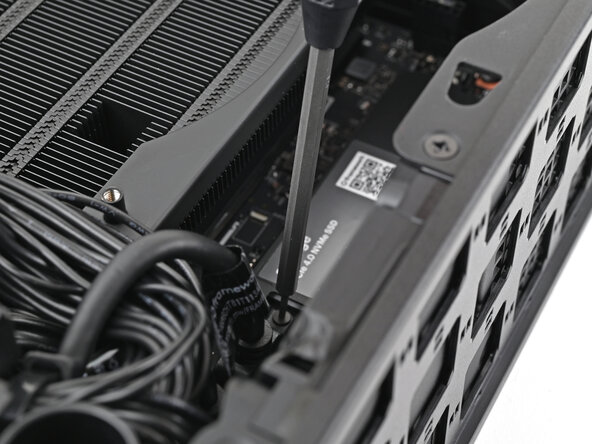
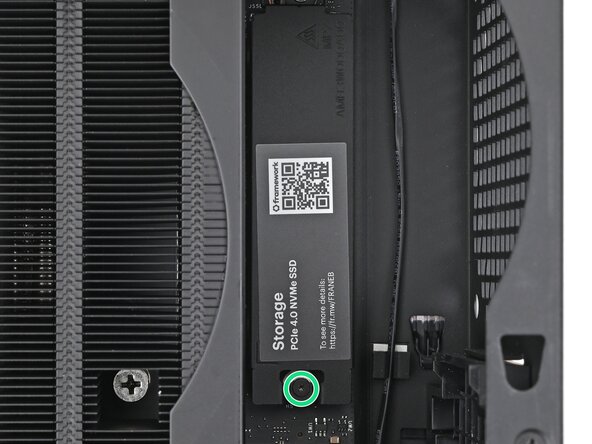
- Use your Framework Desktop Screwdriver to loosen the captive T5 Torx screw securing the SSD.
- The SSD and its heat spreader will pop up to an angle when its screw is fully loosened.
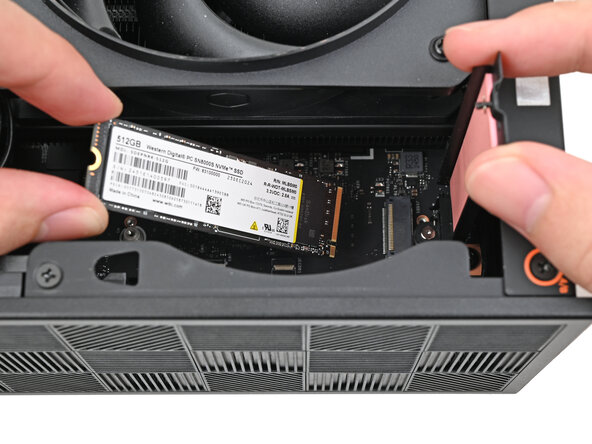
- While holding the heat spreader upright, grab the SSD by its edges and pull it out of its socket.
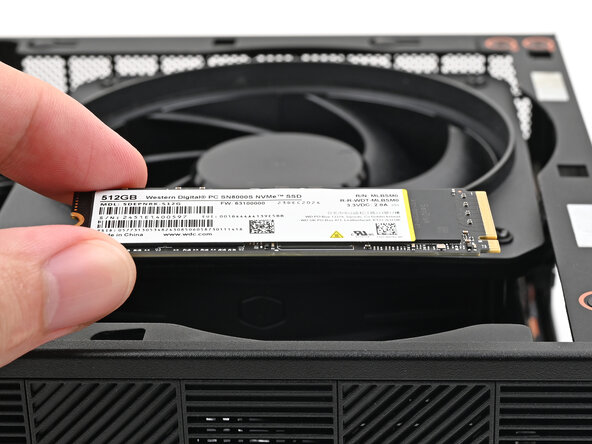
- Remove the SSD.
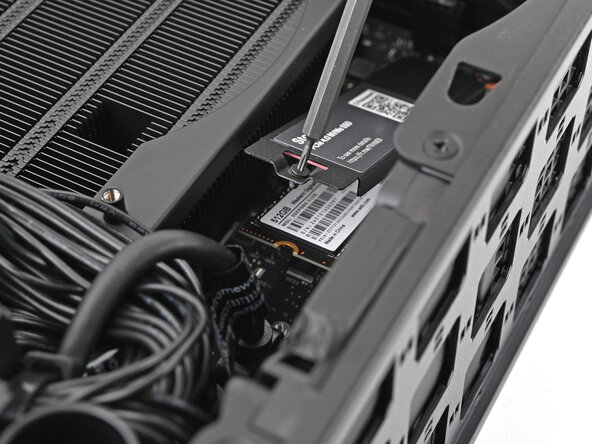
- Insert your Framework Desktop Screwdriver into the captive screw on the primary storage heat spreader and press it flat to the Mainboard.
- Tighten the captive T5 Torx screw securing the heat spreader.