Replace faultly digit
ID: 192216
Description: Digits are enlighted by leds. After a while,...
Steps:
- Unplug the power supply from the wall, remove batteries.
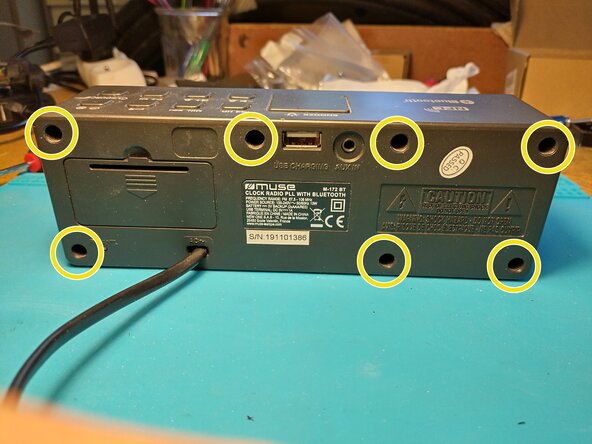
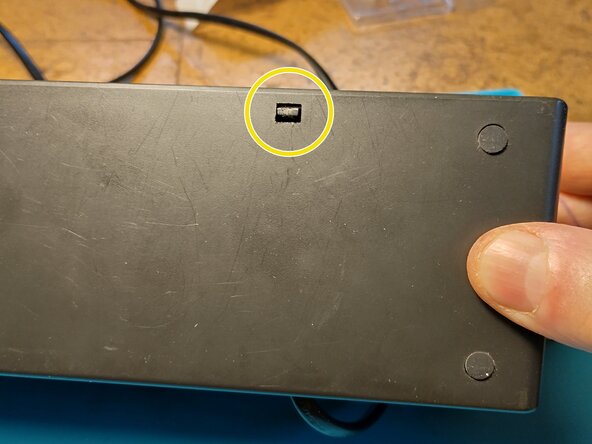
- Unscrew x7 and open the device by unlocking the plastic clip on the bottom face.
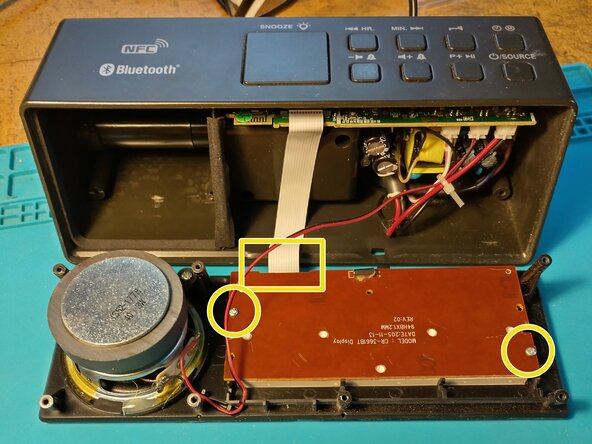
- On the rear of the display panel, unscrew x2 and unclip the flat cable.
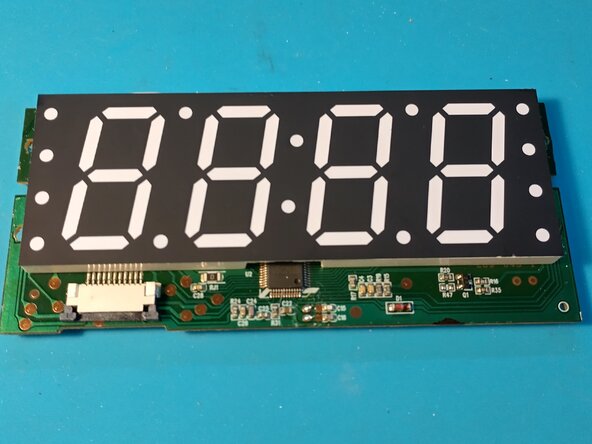
- We want to separate the digit support from the PCB to access the leds.
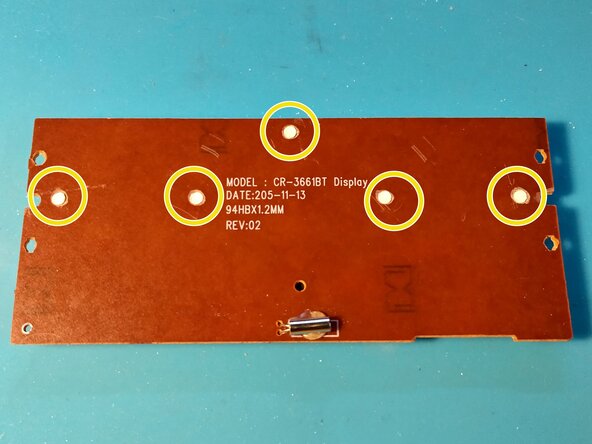
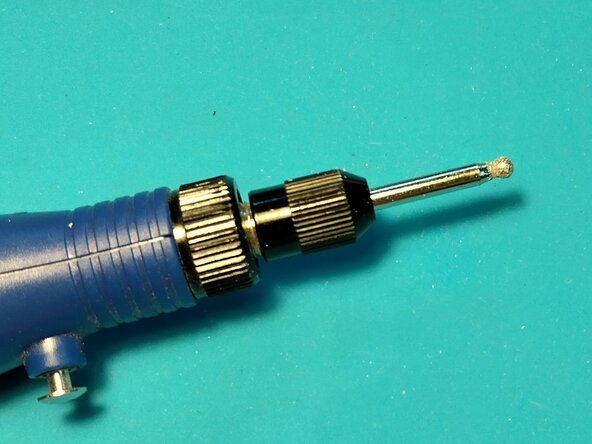
- On the back, mill the white clips to free the PCB from the digit support. I used a Dremel like tool.
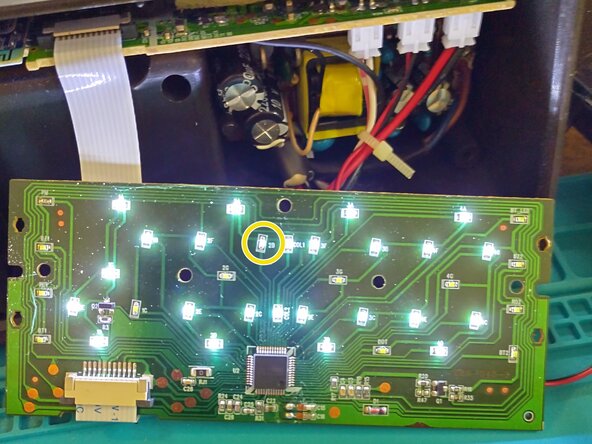
- You can test the leds by plug in the flat cable. Be carefull of high voltage.
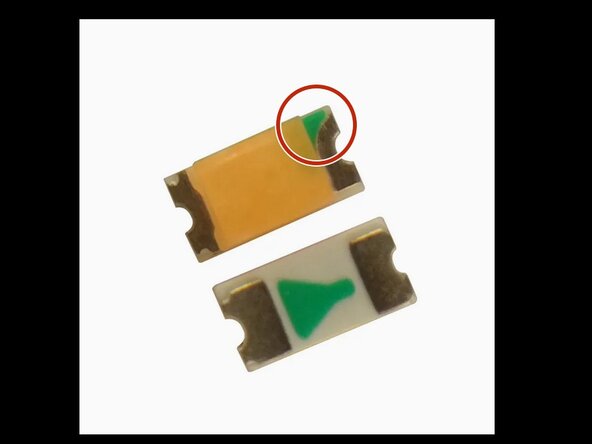
- In my case, I had to replace the 2B led. Locate the green mark before unsoldering the led. Green mark goes to the driver chip.
- To buy leds, search Internet with key words : white led smd 0603
- Once done, you can try the led fix and reassemble the device.