LIDL & ALDI rechargeable LED torch complete disassembly and repair
ID: 194621
Description: The rechargeable LED torch sold by LIDL and...
Steps:
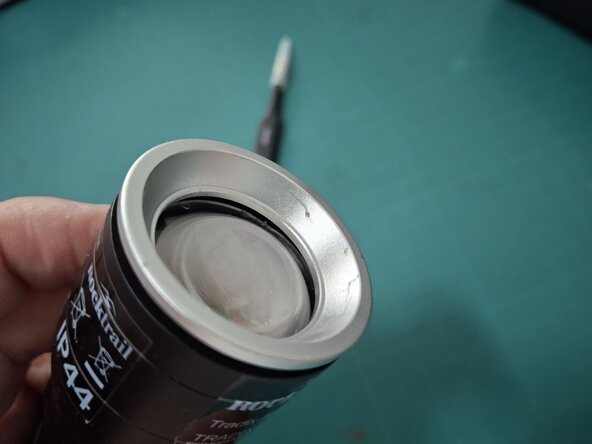
- The conical trim ring in front of the lens is threaded. To unscrew it, use pliers with a piece of cloth or rubber to protect the surface from scratches.
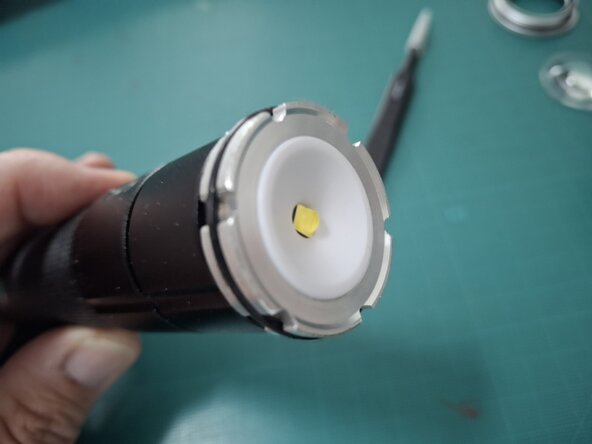
- After unscrewing the trim ring, the lens is freed. Remove it and set it aside.
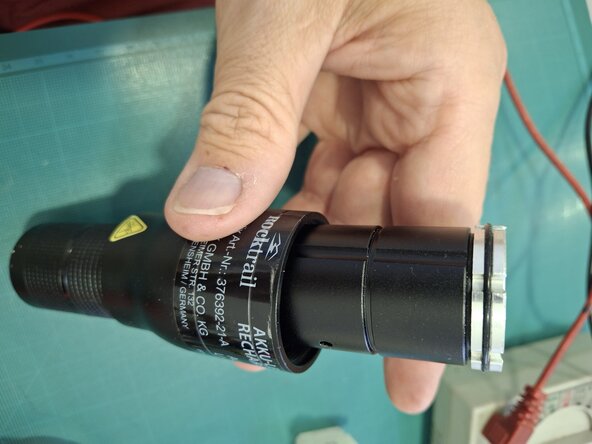
- Just slide it off. Take it off and put it someplace safe.
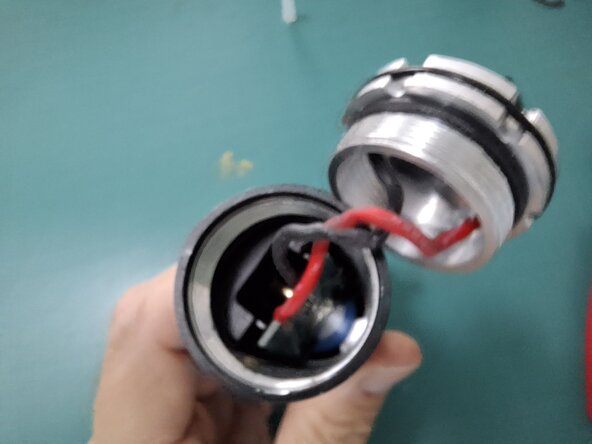
- The LED is threaded too (and it's leads are twisted by the rotating movement of screwing it in and out) It must be unscrewed with care so as not to damage the O-ring.
- At the back end is the on and off button. This part is threaded. Unscrew it and set it aside.
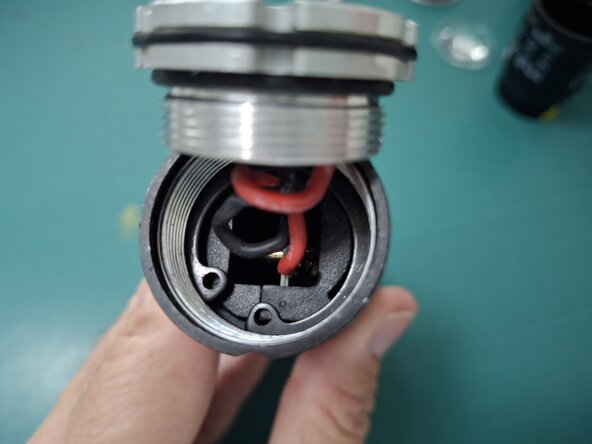
- The electronics assembly is held in place by a snap ring (or elastic ring). Use (Internal Snap Ring) pliers to remove and install snap rings so as not to damage them and to be able to re-use them. Be careful when removing the ring not to damage the wires that go to the LED.
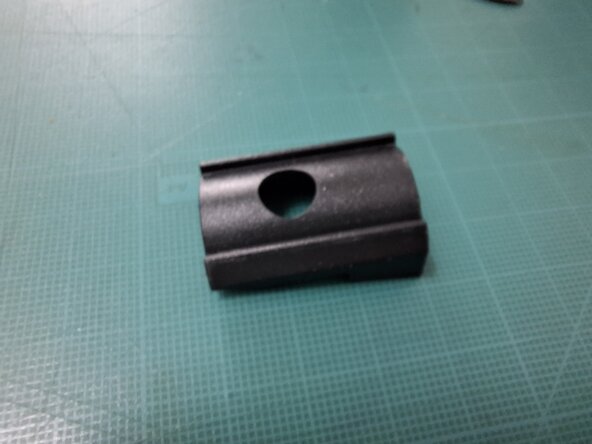
- After removing the snap ring we can see two pieces of plastic. We must use a pair of tweezers to remove the half that is on the side with the LED that lights up when the flashlight (torch) is charging. (That is to say, on the opposite side from the charging contacts).
- After removing the first plastic wedge, there is space to move the second plastic wedge toward the center. We must move it directly toward the opposite side (diametrically opposed). Use plastic tweezers to grip the black plastic wedge part and not the PCB.
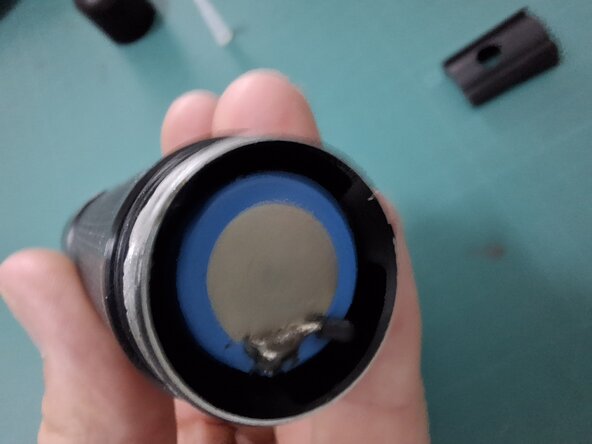
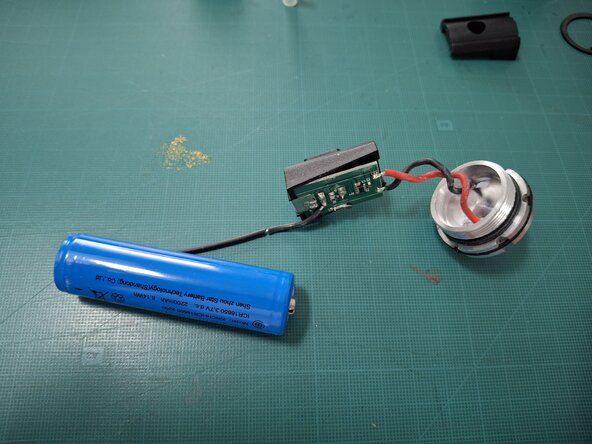
- After moving the wedge to the center, the entire assembly can be removed, with the charging contacts, PCB and the rechargeable battery. In my case, the negative contact of the battery failed.
- To reassemble it, you proceed in reverse order of these steps: Pay attention, ensure the projection of the charging contacts fit well into the recess in the casing. This should be done carefully using plastic tweezers so as not to damage the electronic board. It is best to touch only the black plastic part.