Replace the Light Socket in a Desk Lamp
ID: 194951
Description: Follow this guide to replace the light socket...
Steps:
- Unplug the lamp before starting to avoid electrical shock.
- Carefully unscrew the bulb by turning it counterclockwise.
- If it’s tight, use a cloth for better grip and protection.
- Set the bulb aside in a safe spot.
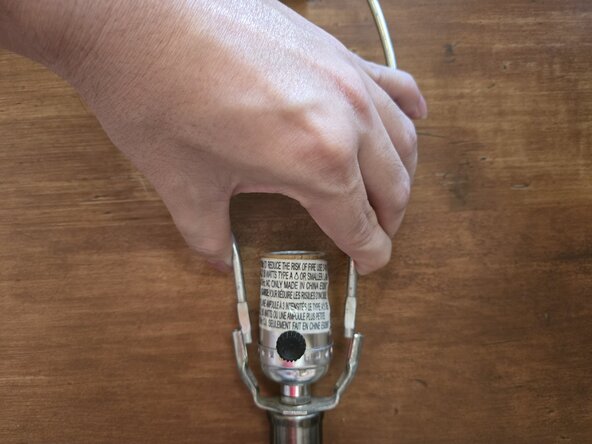
- Grip the harp saddle firmly and lift it straight up to release it from the socket base.
- Some lamps have clips or tension that hold the saddle in place—if yours does, gently squeeze the sides to loosen it.
- Set the saddle aside for reassembly later.
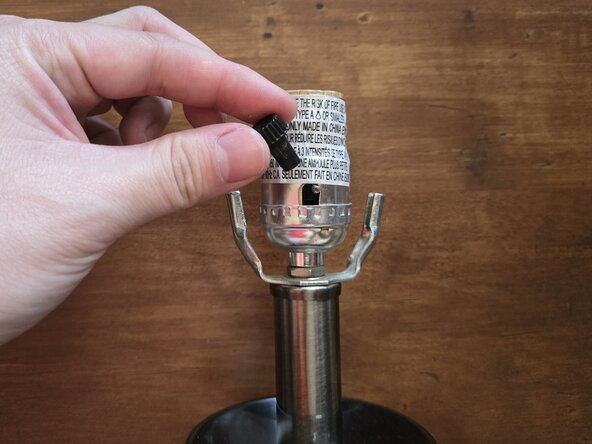
- Turn the light switch handle counterclockwise to remove it.
- Some handles may be snug, so take your time and avoid forcing it.
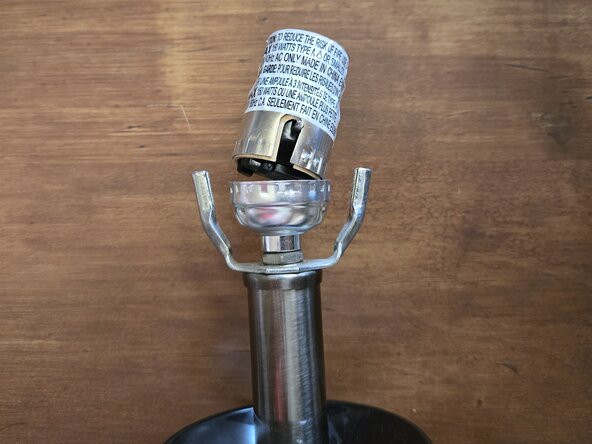
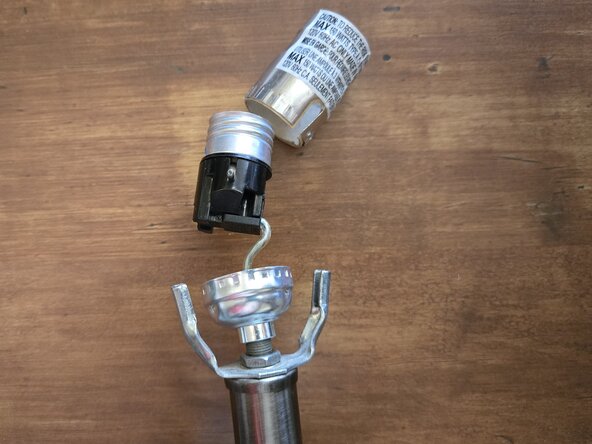
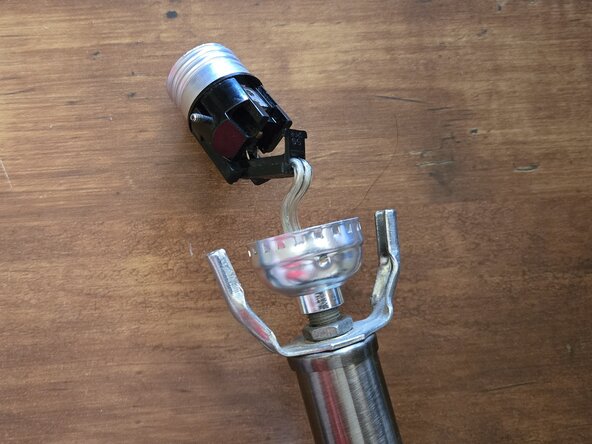
- Gently pull the socket shell up from the lamp base.
- Some sockets may be snug or clipped in. If so, gently wiggle the socket while pulling to loosen it.
- Be careful not to pull too hard on the wires—they are still connected underneath.
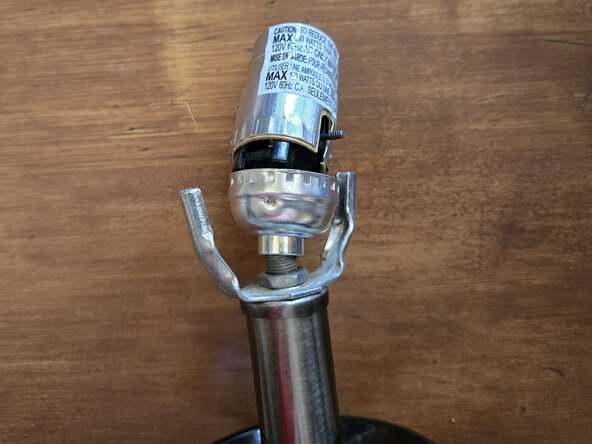
- Carefully open the inner socket housing to access the wire connections.
- Depending on your lamp model, you may need to unscrew the socket, release a locking tab, or separate a snap-fit joint.
- Use a screwdriver to loosen the terminal screws or clips and gently disconnect the wires.
- Release the wire by loosening screws, releasing clips, or pulling them from push-in connectors, depending on the socket.
- Take note of how the wires were connected for reassembly later.
- Align the new socket with the metal brackets or prongs on the lamp base, then secure it.
- Depending on the lamp, snap it into place, twist to lock, or fasten it with screws.
- Make sure the socket sits firmly and evenly to prevent wobbling.
- Press the socket cap down onto the base until it clicks or locks into place.
- If it has screws, replace and tighten them to secure the socket.
- Reattach the harp.
- Finally, screw in a working bulb and test the lamp to confirm the repair was successful.