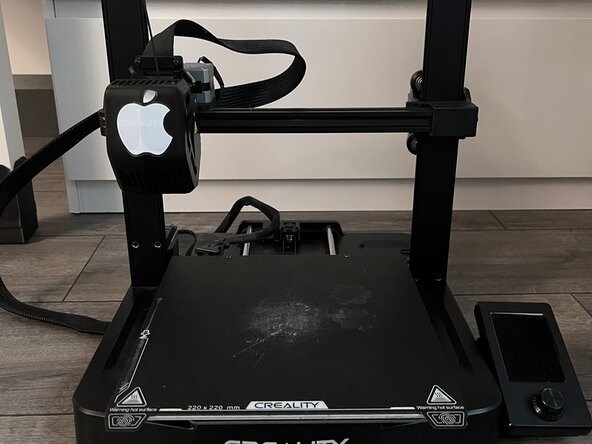
Ender 3 V3 SE Hot Bed Replacement
ID: 199281
Description:
Steps:
- Make sure to disconnect the printer from power
- Move the tool head up to make space over the hot bed (Push up on the gantry, not the tool head itself
- Remove the magnetic build plate from the heated bed, exposing four screws hidden underneath
- Use a 2.5mm Allen Wrench to undo the four silver screws shown
- Remove the four black plastic standoffs shown
- The left standoffs are 14mm, The right standoffs are 16mm. Keep this in mind when you reassemble the bed later.
- Unscrew the two Philips head screws holding the control board
- Unscrew the two Hex screws holding the Z offset calibration module
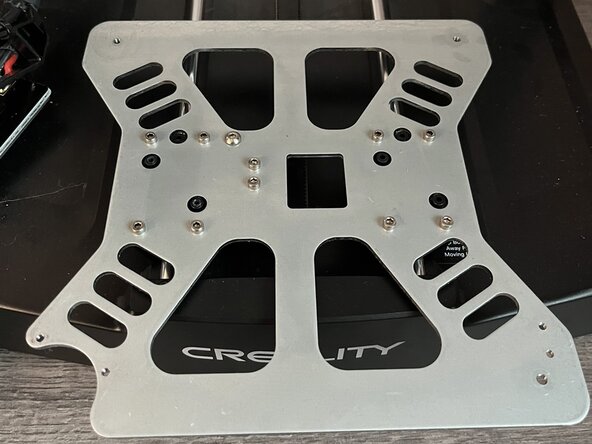
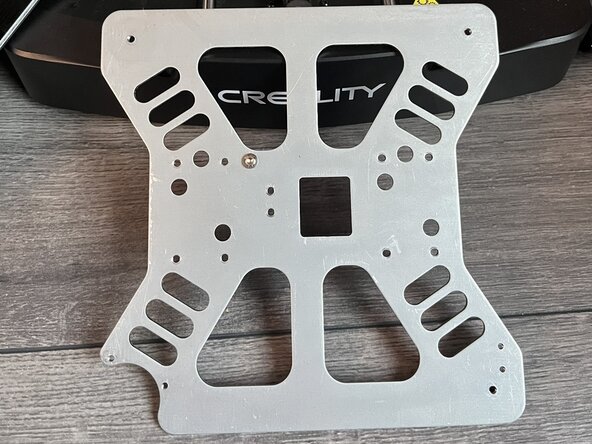
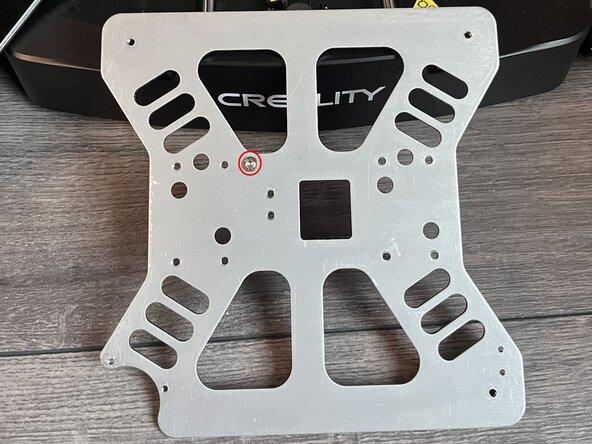
- Remove the 10 silver screws shown to remove the metal bracket
- Lift the bracket off the bearings
- Insert wisdom here.