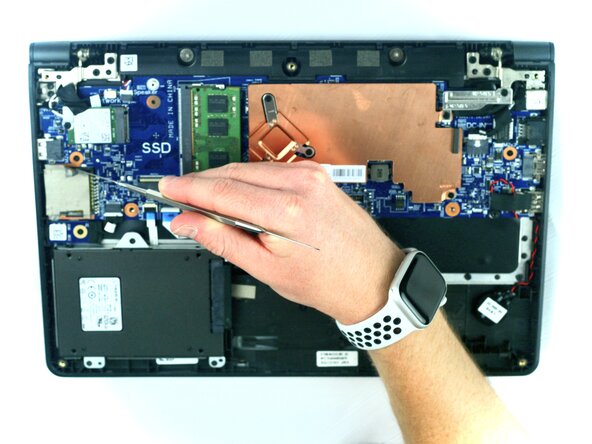
Dell Latitude 3150 SD Card Reader Replacement
ID: 199367
Description: If your Dell Latitude 3150 no longer reads SD...
Steps:
- Remove the seven 5 mm screws using a Phillips #1 screwdriver.
- Pry the back open with a plastic opening tool, working around the edges until all the retaining clips are disengaged.
- Remove the two Phillips 3 mm screws connected to the battery using a Phillips #1 screwdriver.
- Carefully lift the battery and unplug the battery cable from the device.
- Remove the battery from the laptop.
- Using the metal spudger, remove the tape from the SD card reader.
- Use the soldering iron to heat the soldered wires around the SD card reader and carefully lift the reader.
- The soldering iron is extremely hot. Maintain caution.
- Remove the SD card reader from the laptop.