Heyday Wireless Speaker 0574 Battery Replacement
ID: 199421
Description: This guide will teach you how to replace or...
Steps:
- The cut cannot be undone and will permanently damage the mesh. Proceed at your own risk and never cut toward yourself.
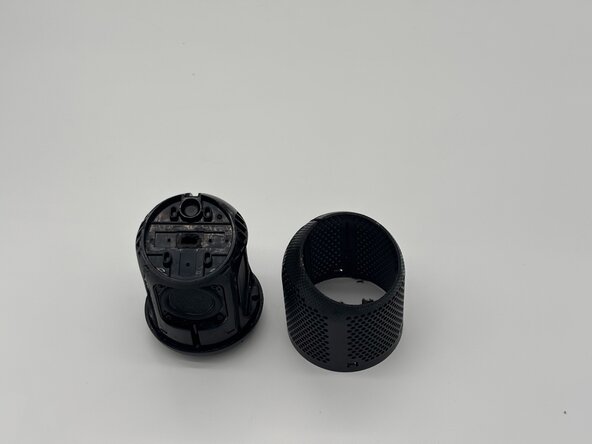
- Use a razor blade to cut open the speaker along the speaker's net lining.
- Use four opening picks to pry open the bottom cover.
- Twist and lift the cover off.
- Use the a Phillips #1 screwdriver to remove the five 8 mm-long screws located on the bottom of the speaker.
- Two screws are on the back, one on the front, and the last two on the sides.
- Use tweezers to gently disconnect the three connectors from the motherboard.
- After the battery is disconnected, remove the battery.