Front Sensors Removal
ID: 199430
Description:
Steps:
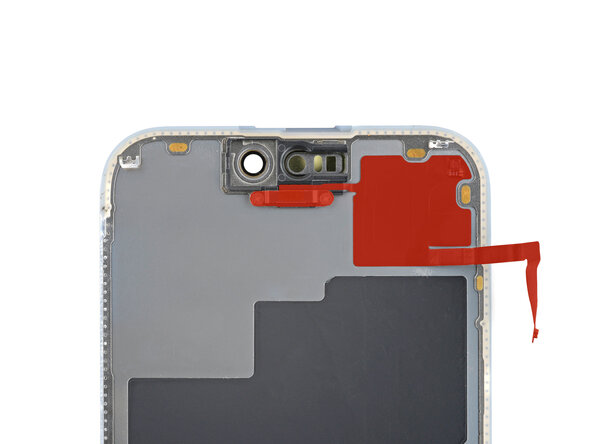
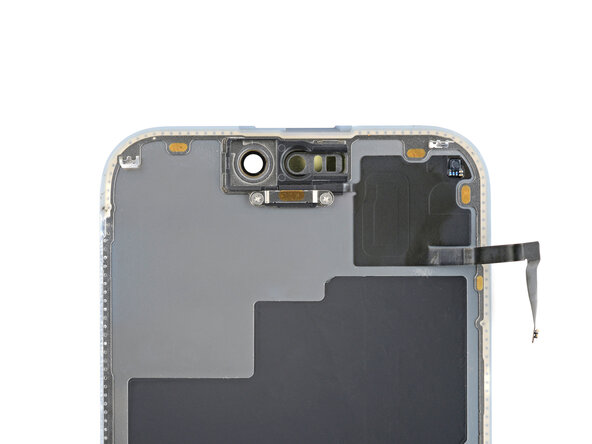
- Check if your new screen comes with an ambient light sensor installed.
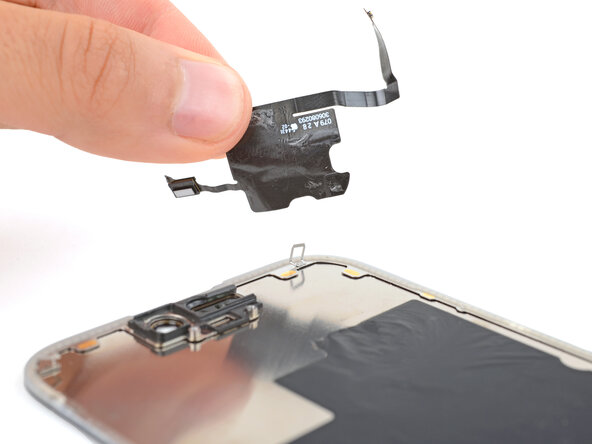
- If it doesn't, follow the remaining steps to remove and transfer the sensor from your original screen to your replacement.
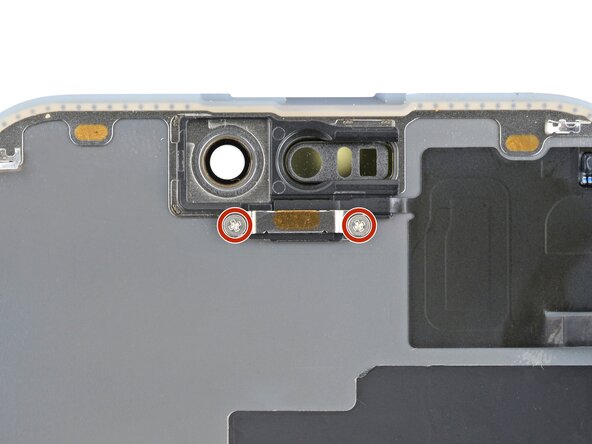
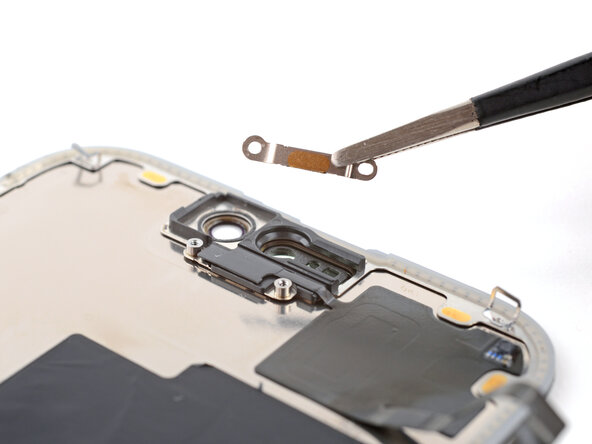
- Use a Phillips #000 driver to remove the two 1.4 mm-long screws securing the ambient light sensor cover.
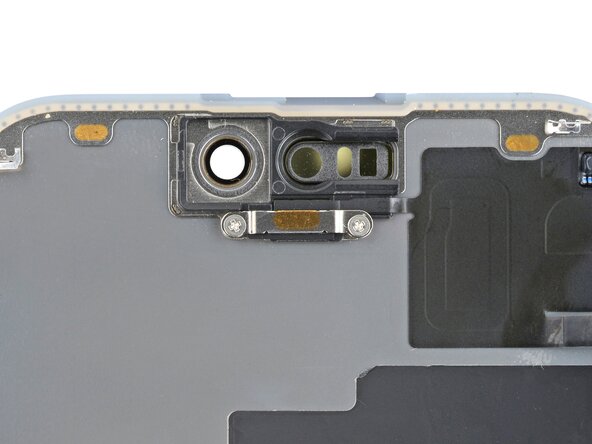
- Remove the ambient light sensor cover.
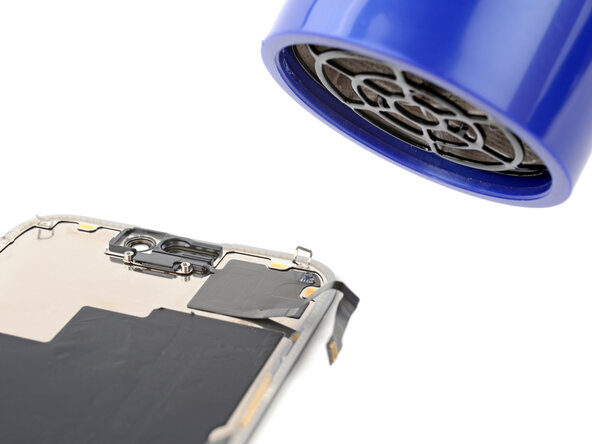
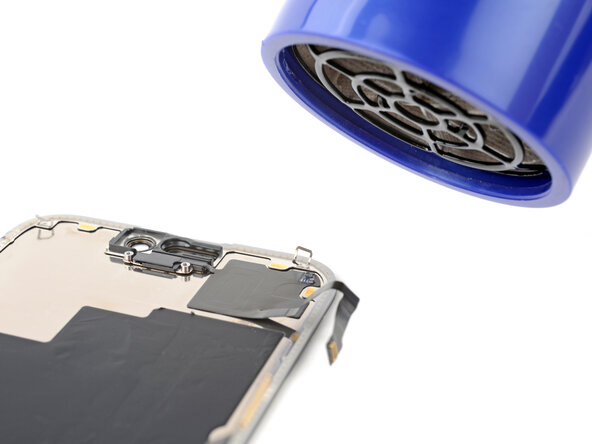
- Be careful not to overheat the screen—the plastic components can melt if they get too hot.
- Use a hair dryer or heat gun to heat the ambient light sensor until it's warm to the touch.
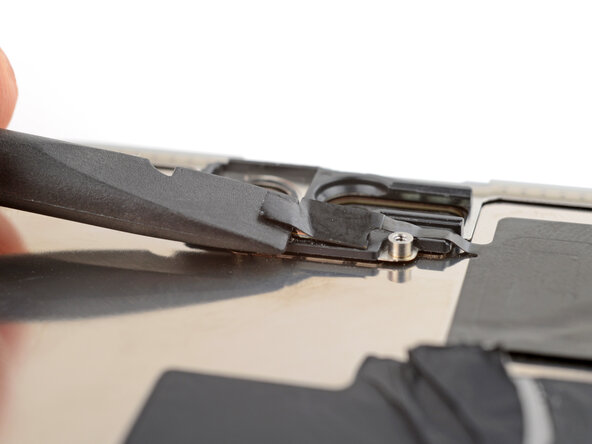
- Be very gentle handing the ambient light sensor, as its cable is extremely fragile.
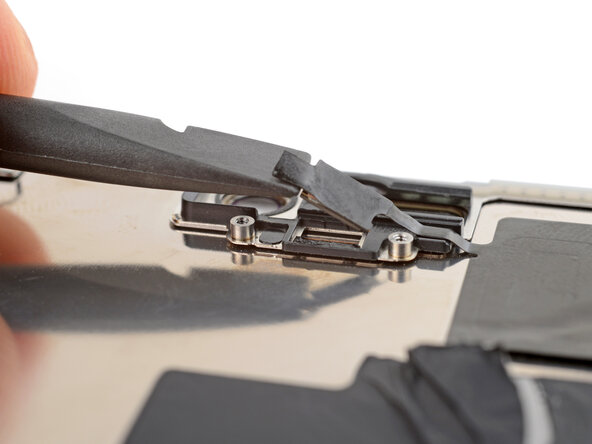
- Use the flat end of a spudger to gently lift the ambient light sensor out of its enclosure.
- By this point, the sensor has likely cooled down.
- Apply more heat until the entire glued down part of the sensor is warm to the touch.
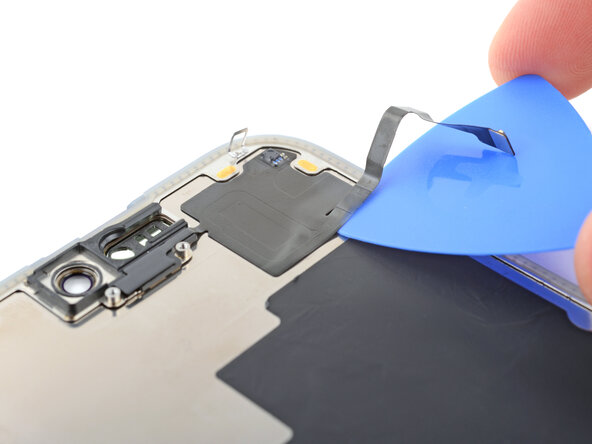
- Insert the tip of an opening pick under the bottom right corner of the sensor.
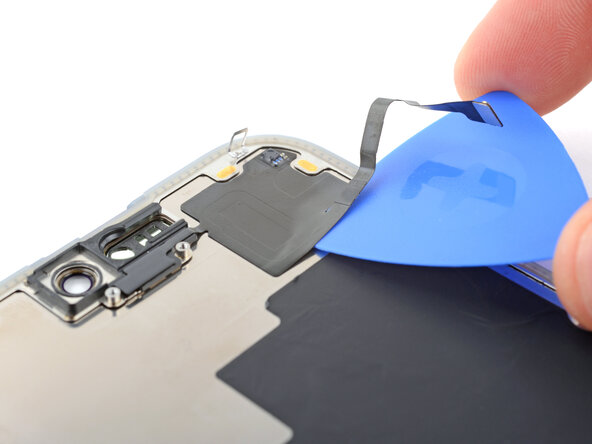
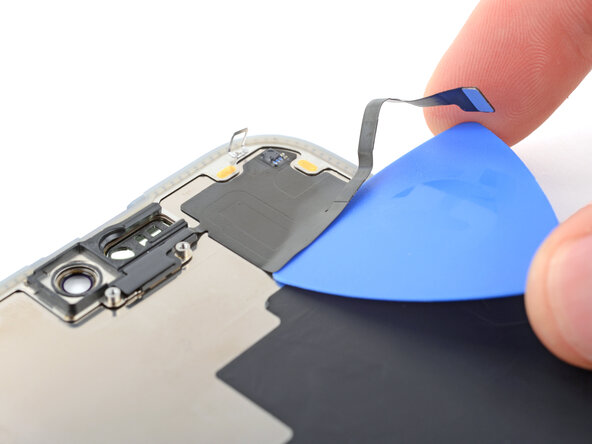
- Slide the pick under the sensor and lift until you can grip it with your fingers.
- Use your fingers to slowly peel up and remove the sensor.