Framework Laptop 16 Display Cable Removal (All)
ID: 199449
Description:
Steps:
- Grip the eDP cable connector to the right of the Wi-Fi module slot by its pull tab and lift up to disconnect it.
- Repeat for the webcam cable connector next to it.
- Lift the eDP, webcam, and antenna cables out of their vertical slot in the Bottom Cover.
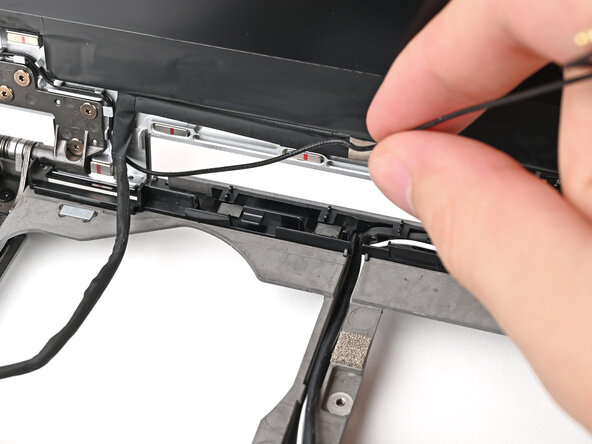
- Use your fingers to guide the eDP cable out of its clips along the top left edge of the Bottom Cover.
- Repeat the previous step for the black antenna cable.
- Use your fingers to guide the white antenna cable out of its clips along the top right edge of the Bottom Cover.
- Repeat the previous step for the webcam cable.