Framework Laptop 16 Wi-Fi Card Disconnection Removal
ID: 199465
Description:
Steps:
- Use your Framework Screwdriver to loosen the captive T5 Torx screw securing Wi-Fi module.
- The module might pop up at a shallow angle when you loosen the screw.
- Slide the clear plastic cover straight off the module and remove it.
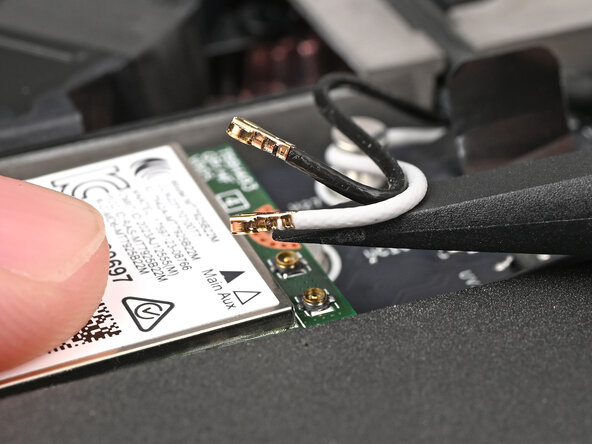
- While holding the Wi-Fi module down, insert the flat end of your Framework Screwdriver one of the coaxial connectors, where the cable meets the metal head.
- Lift the screwdriver straight up to disconnect the coaxial cable.
- Repeat for the other coaxial cable.