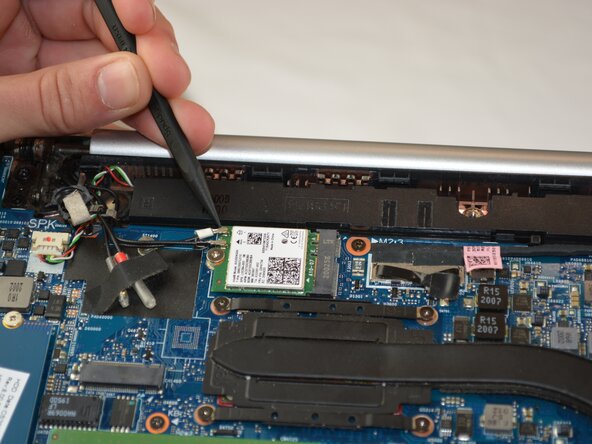
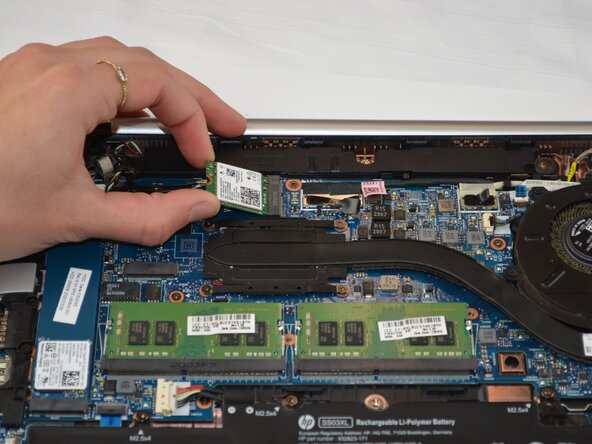
HP EliteBook 830 G6 Wi-Fi Card Replacement
ID: 199713
Description: Use this guide to replace the Wi-Fi card in...
Steps:
- Use a JIS #1 screwdriver to remove the five 10.7 mm screws from the bottom cover.
- With your spudger you will pry off the bottom panel with some force.
- Find the storage drive, located on the left side. It is secured with one 2.48 mm screw and connected to 2 cords
- Carefully remove the one 2.48mm screw with a Phillips #1 screwdriver holding the storage drive in place.
- Gently pull up on the 2 cords connected to it.
- Gently slide the drive out of its connector. Avoid bending or applying force to the connector.