Framework Laptop 16 Graphics Module Installation
ID: 199980
Description:
Steps:
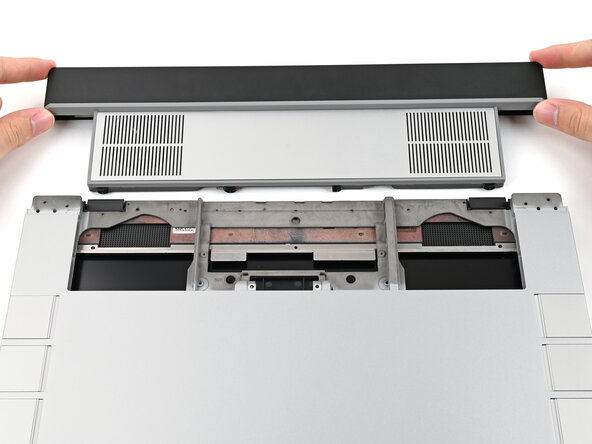
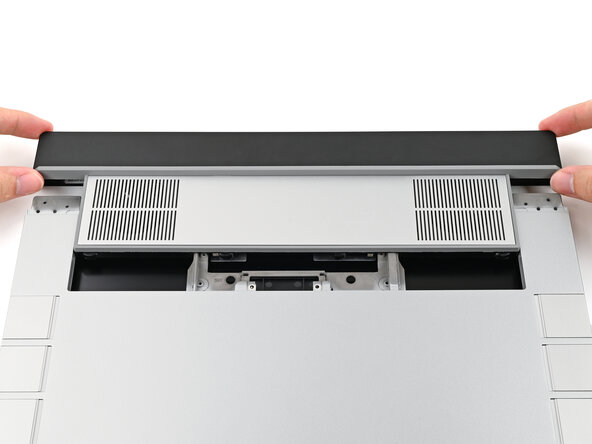
- Align the Graphics Module with its slot in the laptop.
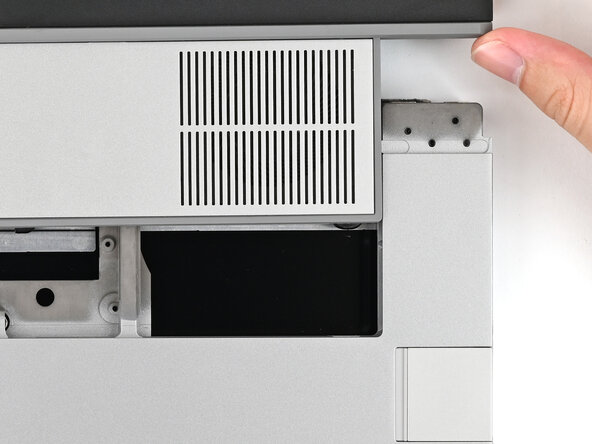
- Check that the module sits evenly with the rail on the outside edges of the slot.
- Check that the two center rails are threaded between the fans.
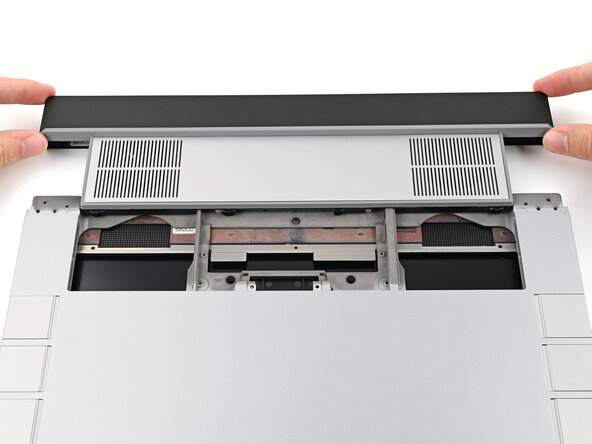
- When installing the module, keep it level to the laptop so it doesn't buckle on the rails.
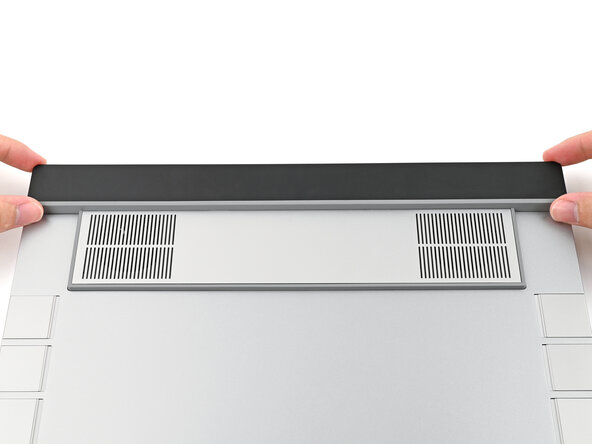
- There should be no gaps between the laptop and the module when it's installed correctly.
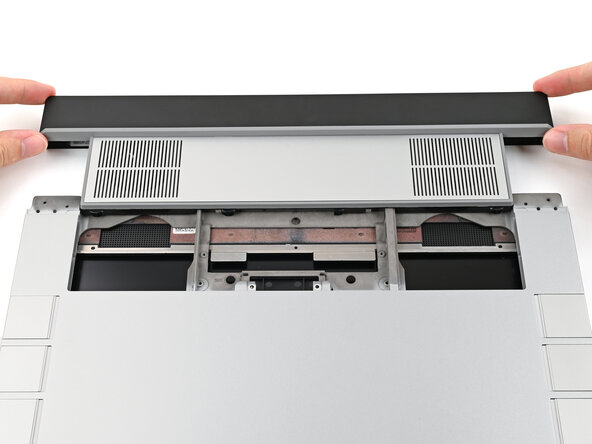
- While keeping the module level with the laptop, slide it into its slot.
- The module should slide in easily. If you feel any resistance, pull the module out and realign it.
- You should hear an audible "click" when the module's clips snap into place.
- Flip over the laptop and open it.
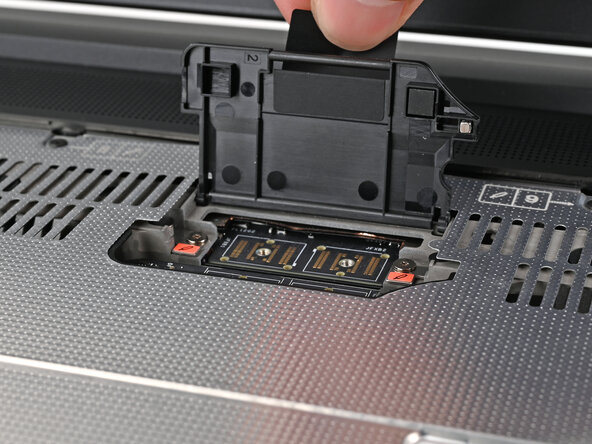
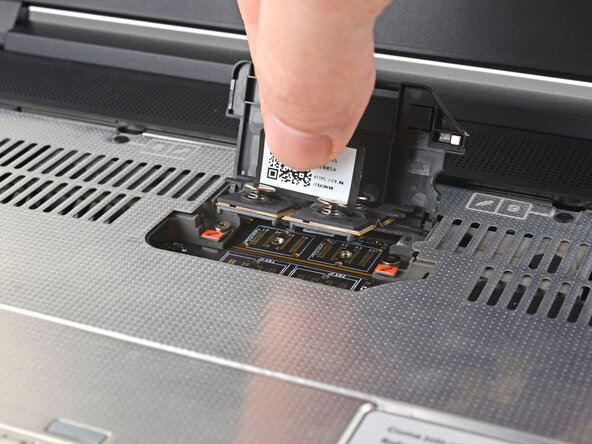
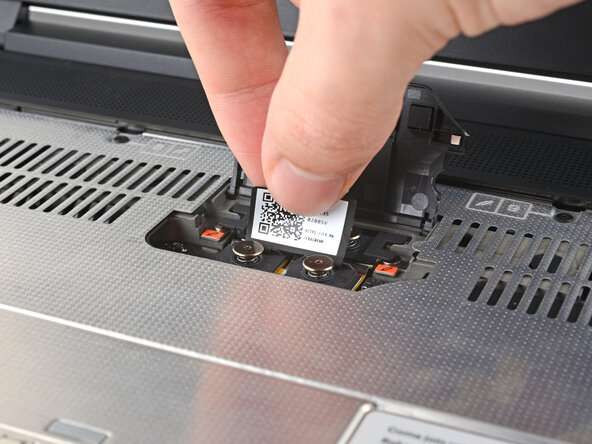
- Lift the interposer door by its black pull tab and let it rest upright.
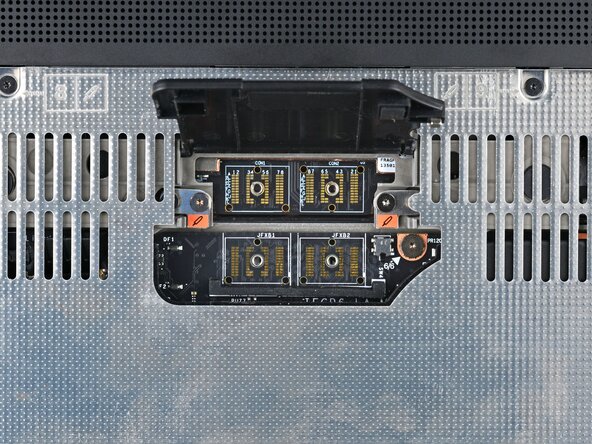
- Use your Framework Screwdriver to tighten the two captive T5 Torx screws securing the Graphics Module.
- Place the interposer over its spot between the Mainboard and the Graphics Module.
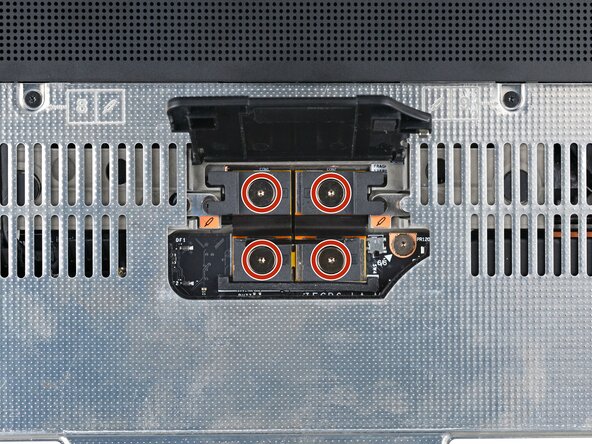
- Use your Framework Screwdriver to tighten the four captive T5 Torx screws securing the interposer.
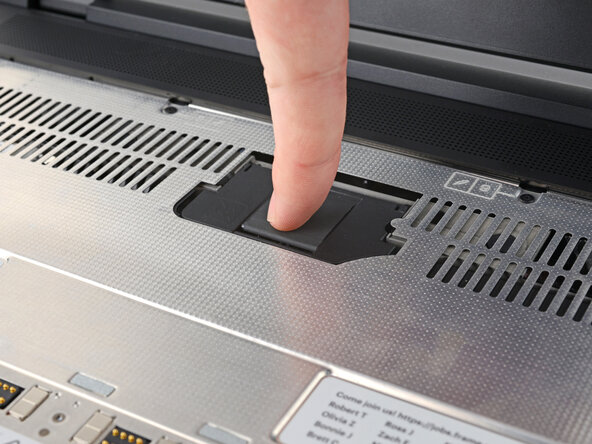
- Close the interposer door.