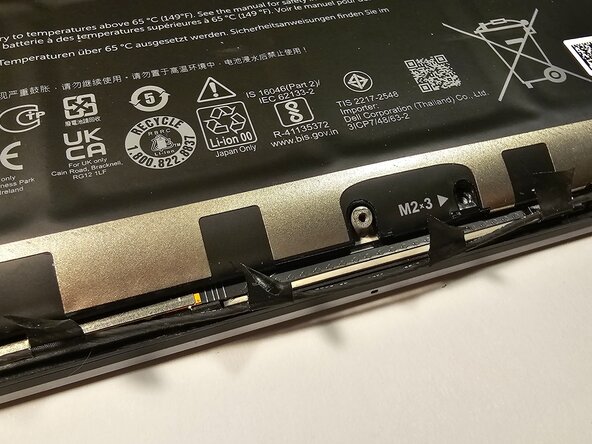
Dell Precision 5570 Battery Replacement
ID: 200006
Description: This guide is for the Dell Precision 5570...
Steps:
- Make sure to shut down your laptop before performing this replacement.
- Flip the laptop upside down.
- Use a T5 Torx screwdriver to remove the eight (8) screws from the bottom plate.
- Use a spudger to pry off the bottom plate of the computer.
- Use a Phillips #00 screwdriver to remove the four (4) screws above the battery.
- Use a Phillips #00 screwdriver to remove the four (4) screws below the battery.
- Although the screws on the top and bottom of the battery use a Phillips #00 screwdriver, the screws on the bottom are smaller. Make sure to keep the top and bottom screws separate.
- Use a spudger to gently remove the tape that secures the internet wire to the battery.
- Use a spudger to gently detach the connector to the motherboard.
- Remove the battery from the laptop. Gently use a spudger to help lift it up.