Panasonic SL-MP73J Screen Replacement
ID: 200033
Description: If your Panasonic SL-MP73J screen is cracked or...
Steps:
- Locate the open slider and push the sliding button to the right to open the CD player.
- Open the battery cover and remove the batteries from the CD player.
- Use a Phillips #00 screwdriver to remove the nine 3 mm-long screws from the top interior plate.
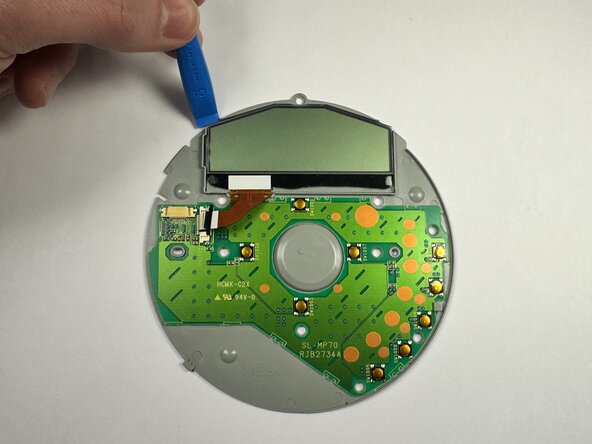
- Use an opening tool to lift the top interior plate from the lid.
- Gently pull the ribbon cable and detach it from the ribbon cable connector.
- Slide your plastic prying tool under the top left of the screen and slide it along the edge to detach the screen from the adhesive.