Microsoft Natural Ergonomic Keyboard 4000 v1.0 Membrane Replacement
ID: 200052
Description: This guide will show you how to remove and...
Steps:
- Remove the following screws from the bottom of the keyboard:
- Eighteen 8.8 mm-long Phillips screws.
- Three 11 mm-long Phillips screws.
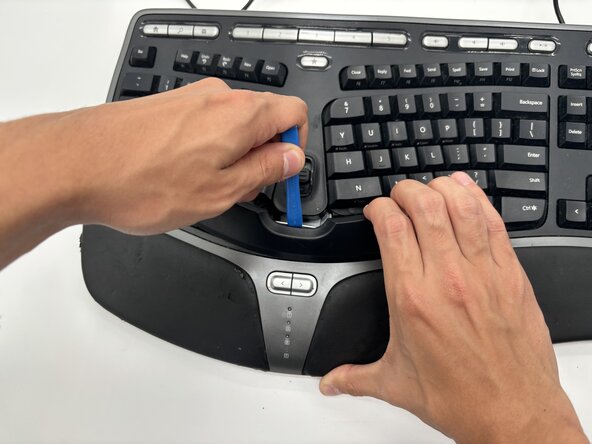
- Hold one side of the spacebar up, then place a plastic opening tool in the top-middle of the spacebar.
- Gently apply upwards pressure with the opening tool until the spacebar comes off.
- Remove the following screws from inside the keyboard.
- Two 7 mm-long Phillips screws.
- Two 11.8 mm-long Phillips screws.
- Grab the sides of the keyboard and pull the top off.
- Peel off the membrane from the wiring.
- The membrane isn't adhered to the wiring, so very little force is required to remove it.