Microsoft Surface Pen Needle Tip (model EYU-00013) Replacement
ID: 200216
Description: The Microsoft Surface Pen (model EYU-00013) has...
Steps:
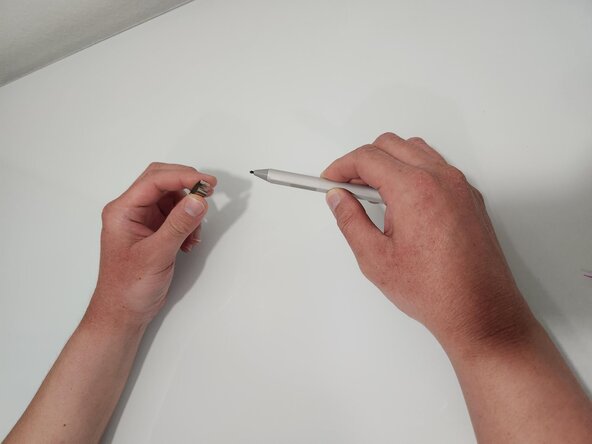
- Using the needle-tip extractor, grab the needle-tip at the base and pull straight out.
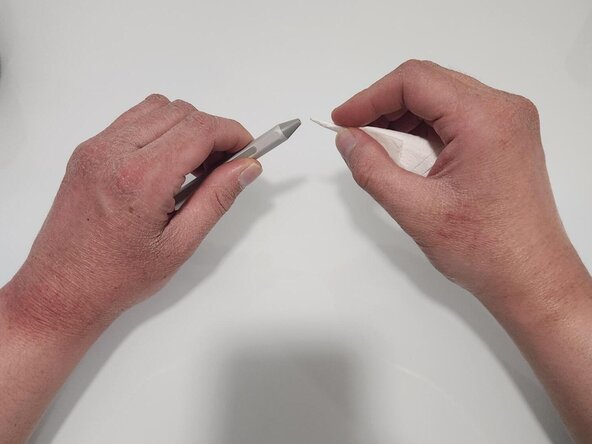
- Wrap a small piece of tissue around a toothpick to clean the inside of the needle tip opening.
- Clean the inside of the space where the needle-tip attaches.
- After cleaning, gather your new needle-tip and pen.
- Push in the new needle-tip until it is properly set with no looseness.
- Your Surface Pen is ready for its use and should work like new.