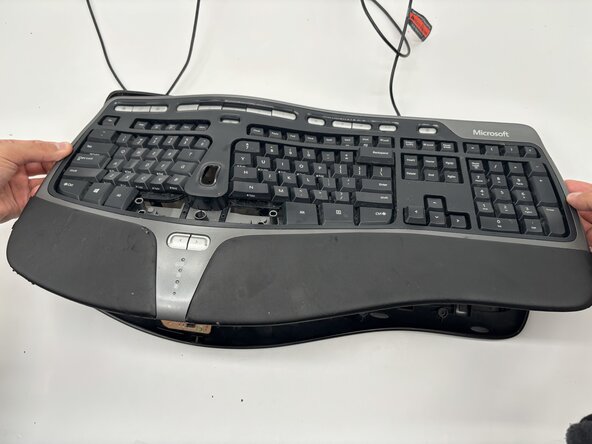
Microsoft Natural Ergonomic Keyboard 4000 v1.0 Motherboard Replacement
ID: 200252
Description: This guide will show you how to remove and...
Steps:
- Remove the following screws from the bottom of the keyboard:
- Eighteen 8.8 mm-long Phillips screws.
- Three 11 mm-long Phillips screws.
- Hold one side of the spacebar up, then place the plastic opening tool in the top-middle of the spacebar.
- Gently apply upwards pressure with the opening tool until the spacebar comes off.
- Remove the following screws from inside the keyboard:
- Two 7 mm-long Phillips screws.
- Two 11.8 mm-long Phillips screws.
- Grab the sides of the keyboard and lift the top off.
- Grab the side of the plug with the angled tweezers and disconnect it.
- Be careful as to not let the tweezers slip off the plug since you may accidentally damage the wires.
- If you do not have angled tweezers on-hand, using your fingers to remove the plug can work as well.
- Remove the following screws from the motherboard:
- Three 9.7 mm-long Phillips screws.
- One 6.8 mm-long Phillips screws.
- Remove the metal bracket from the top of the motherboard.
- Pull the motherboard up from the keyboard to remove it.