Framework Laptop 16 Touchpad Module Replacement
ID: 205697
Description: Follow this guide to remove and replace the...
Steps:
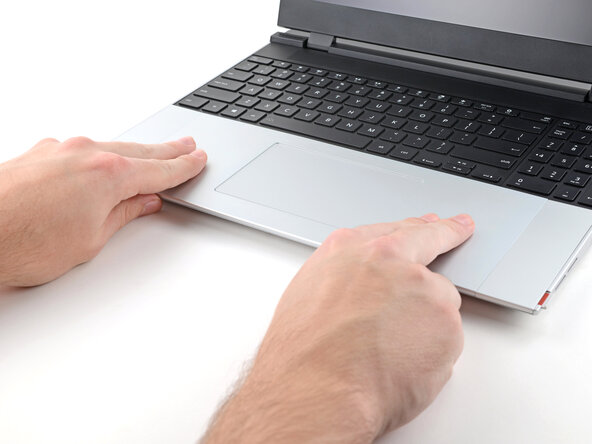
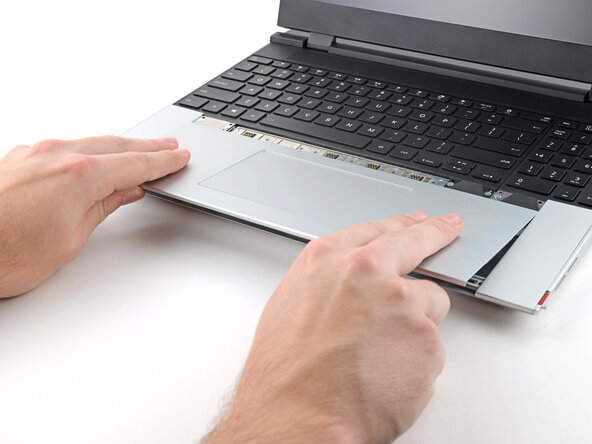
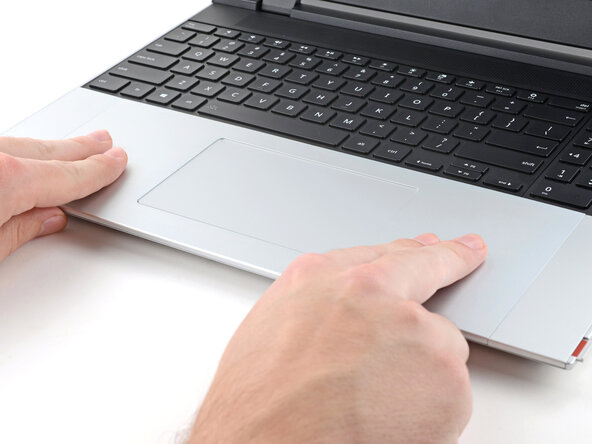
- Use your fingers to slide the Touchpad Module toward the bottom edge of the laptop and disconnect it.
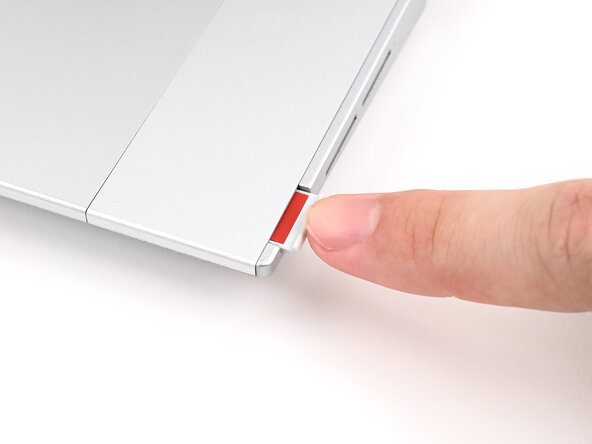
- If you're having trouble, check if the Input Module latches are properly unlocked.
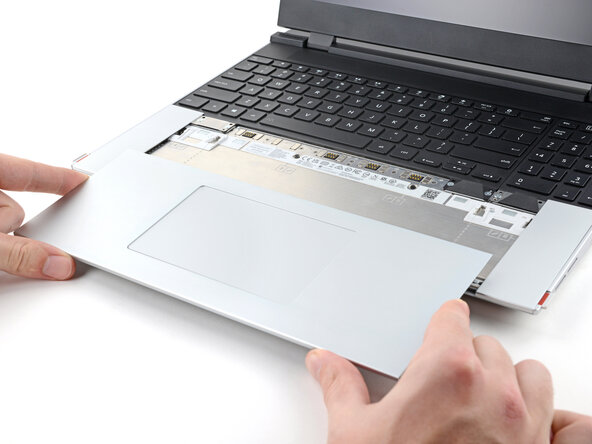
- Lift the Touchpad Module and remove it.
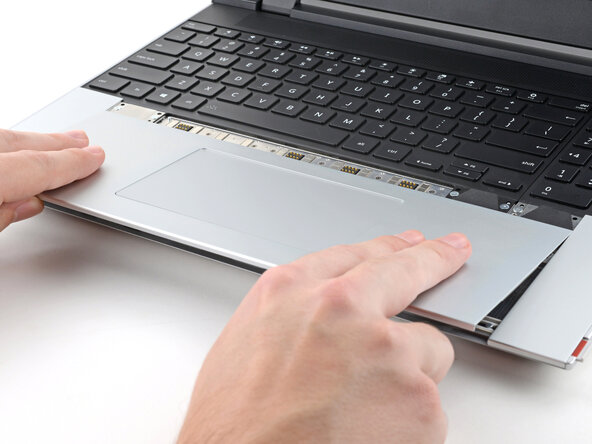
- Place the Touchpad Module flat on its cutout so its clips are properly aligned.
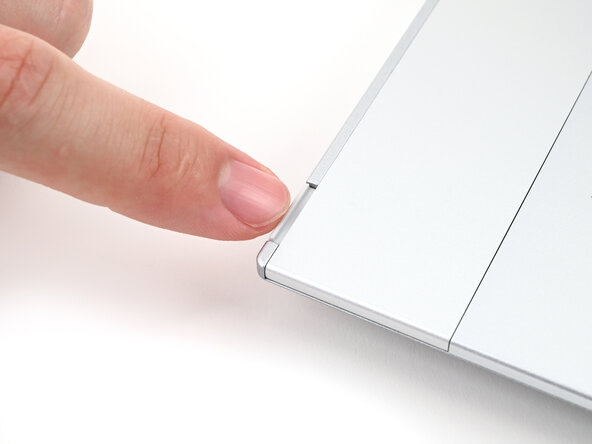
- Press the Touchpad Module down and slide it into place so it lines up evenly with the bottom edge of the laptop.
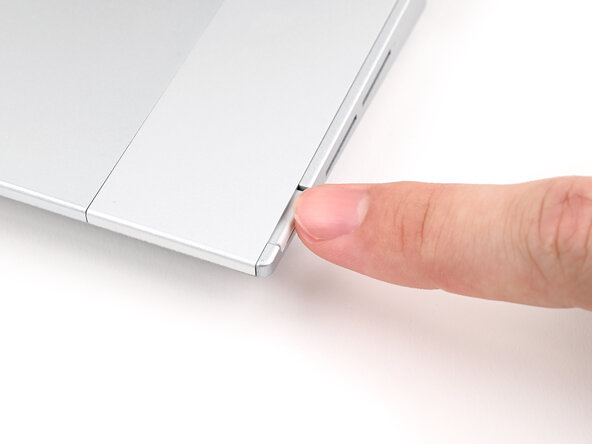
- Push the Input Module latches back into place to lock them.