How to Remove the Expansion Bay in your Framework Laptop 16
ID: 205710
Description: Follow this guide to remove the Expansion Bay...
Steps:
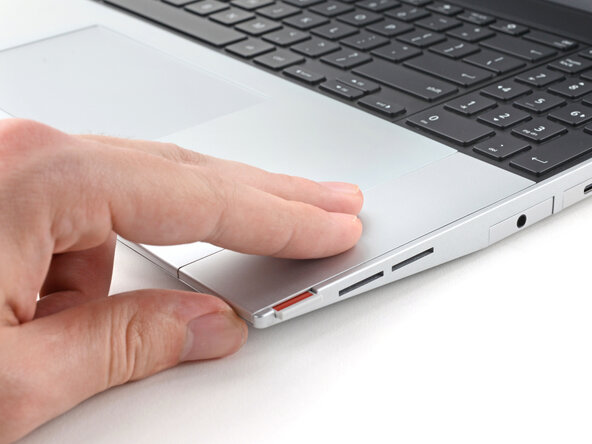
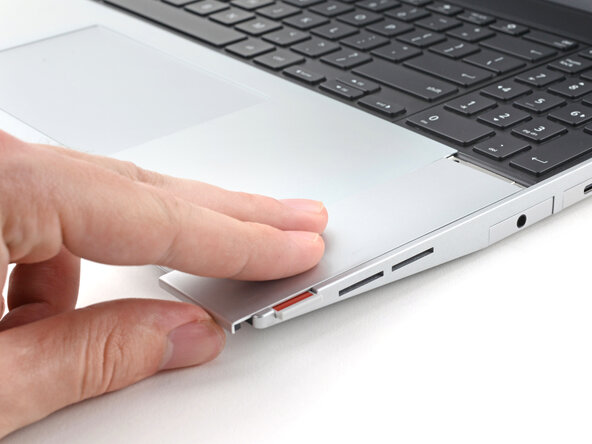
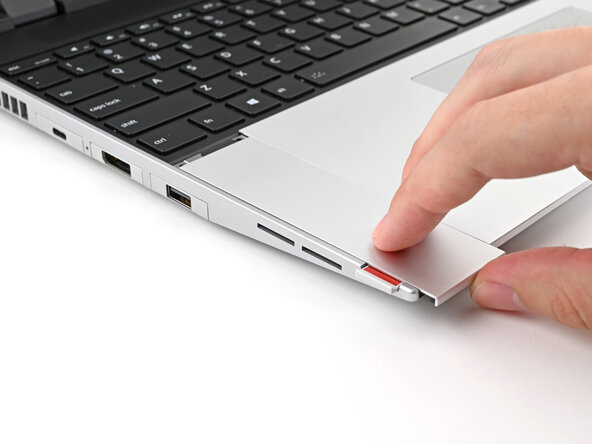
- Use your fingers to slide the Touchpad Spacer toward the bottom edge of the laptop and unclip it.
- If you're having trouble, check if the corresponding Input Module latch is properly unlocked.
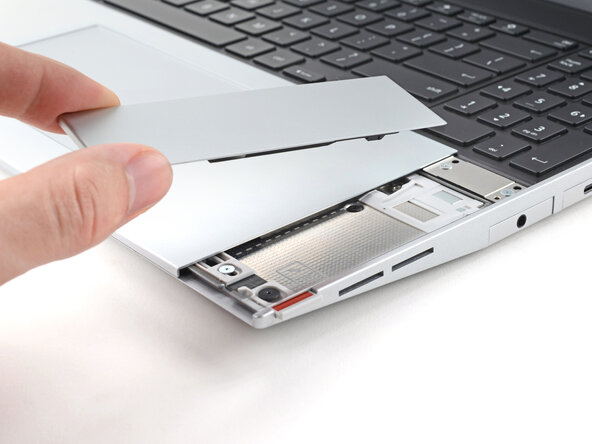
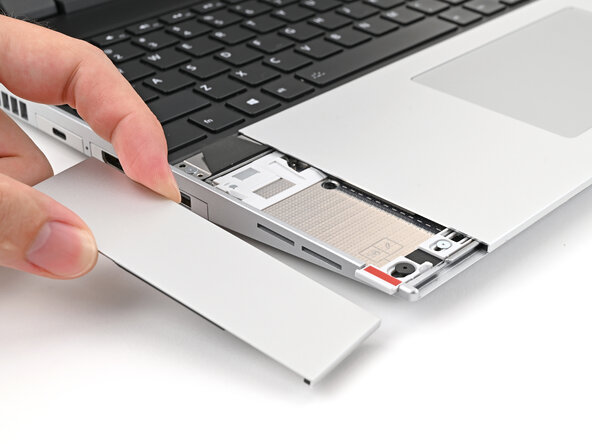
- Lift the Touchpad Spacer off the laptop and remove it.
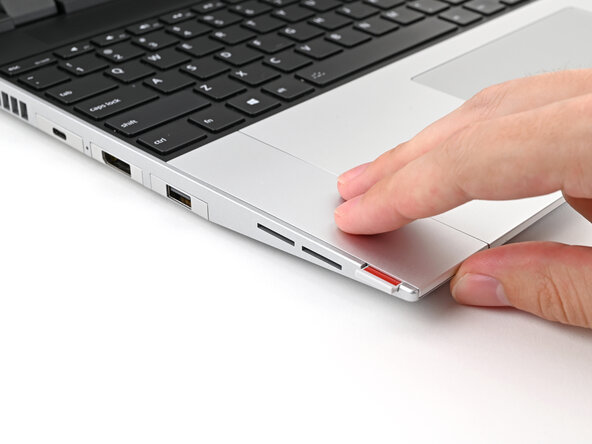
- Repeat the same procedure for the other touchpad spacer.
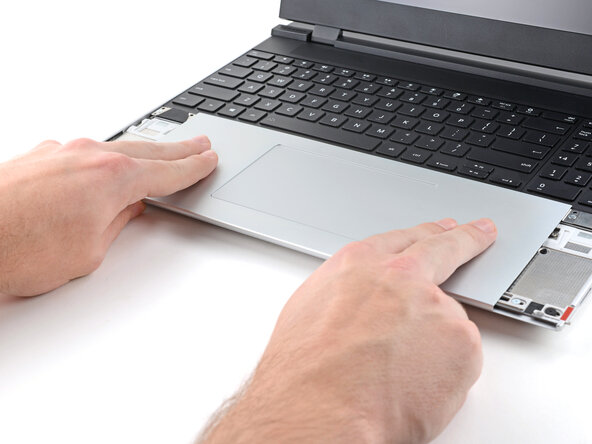
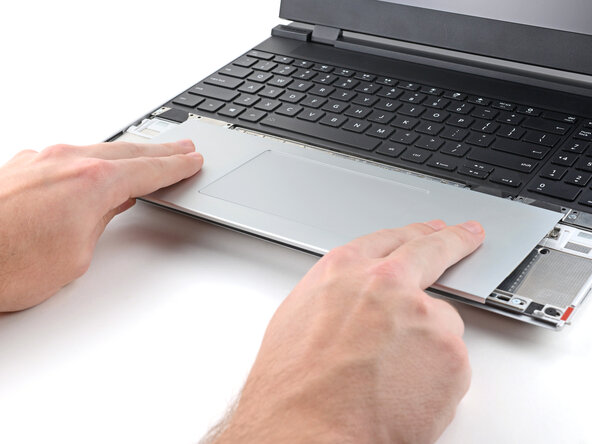
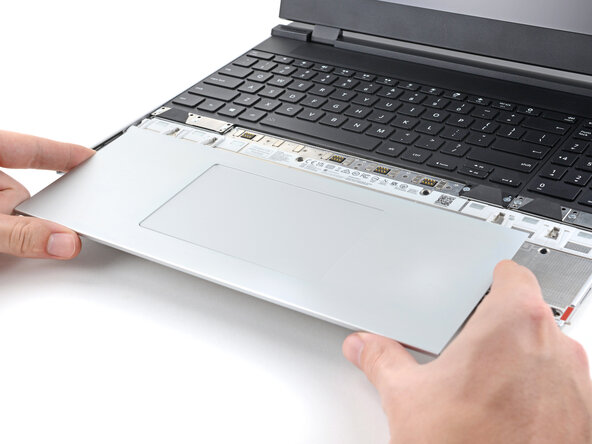
- Use your fingers to slide the Touchpad Module toward the bottom edge of the laptop and disconnect it.
- If you're having trouble, check if the Input Module latches are properly unlocked.
- Lift the Touchpad Module and remove it.
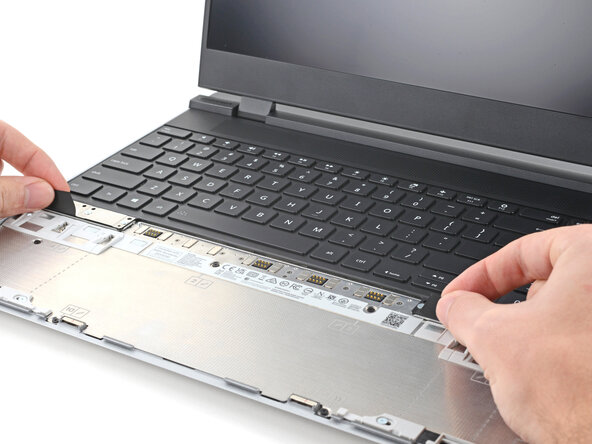
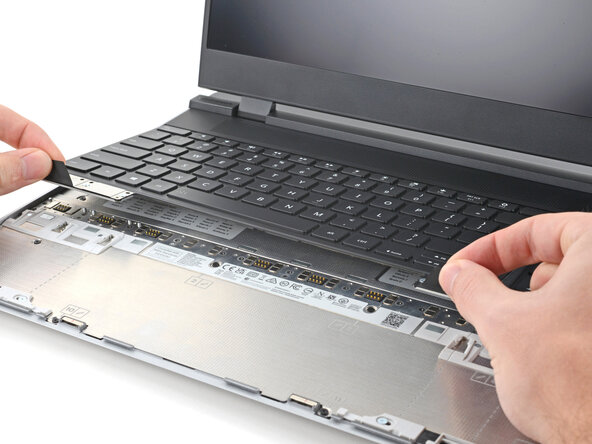
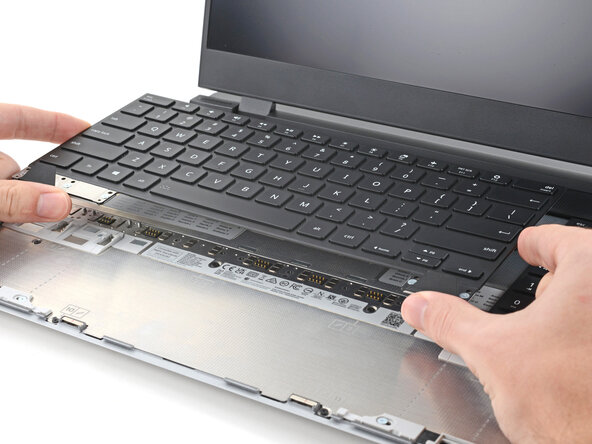
- The keyboard is held in place with strong magnets. Apply gradually increasing force to avoid having the keyboard violently eject.
- Grip the two pull tabs along the bottom of the keyboard and lift until its magnets release.
- Remove the keyboard.
- Your Input Module(s) might be different, but the procedure to remove them is the same.
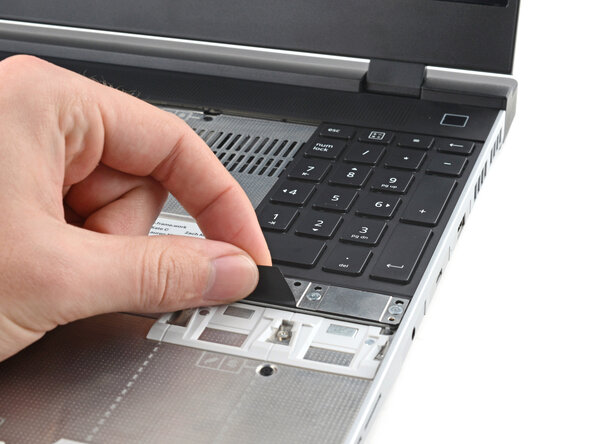
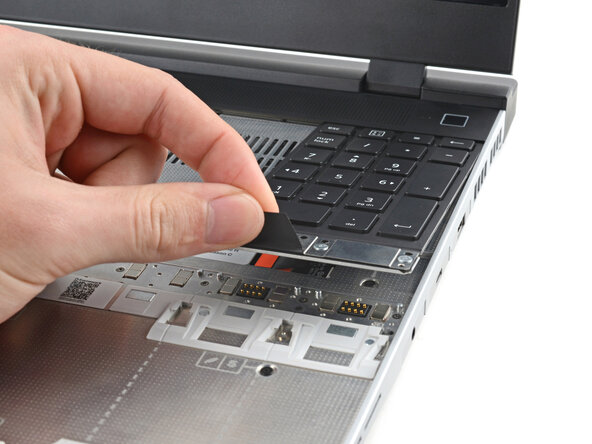
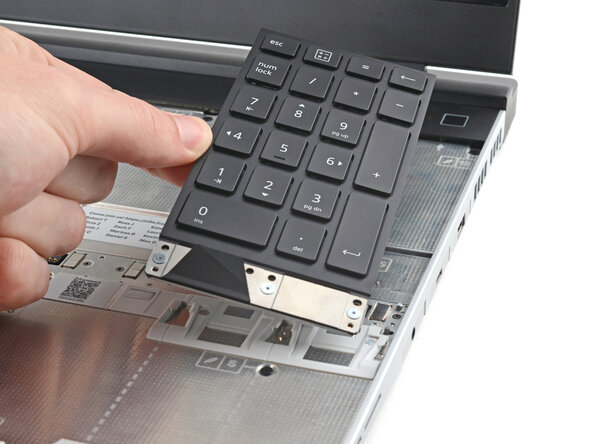
- Grip the pull tab at the bottom of the Input Module and lift until its magnets release.
- Remove the Input Module.
- Repeat for any remaining Input Modules.
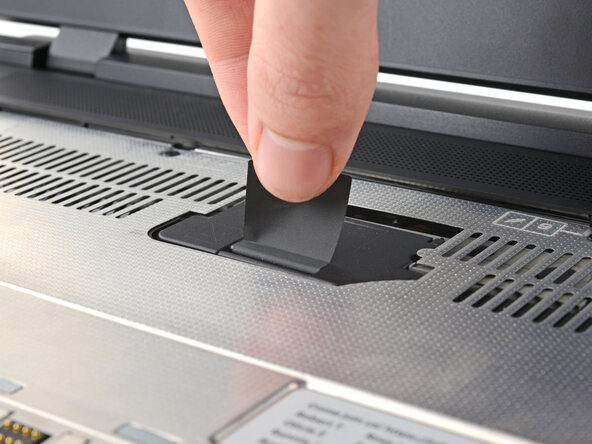
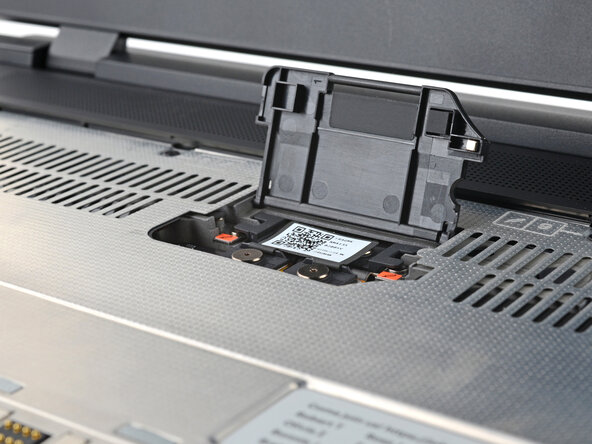
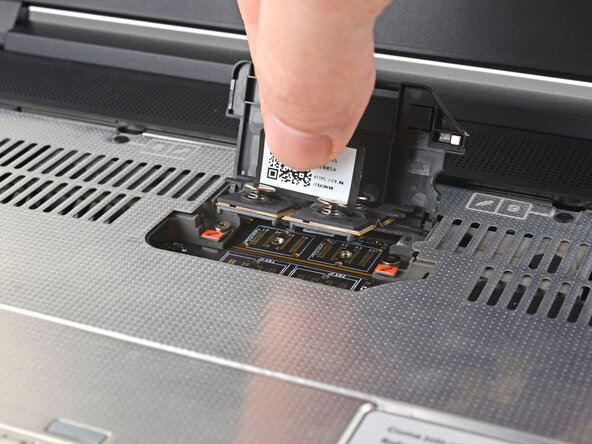
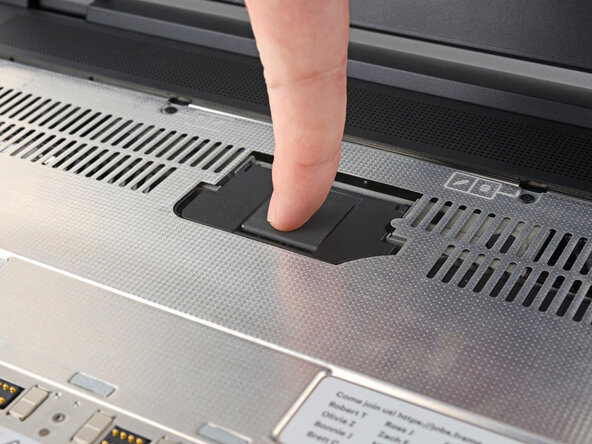
- Lift the interposer door by its black pull tab and let it rest upright.
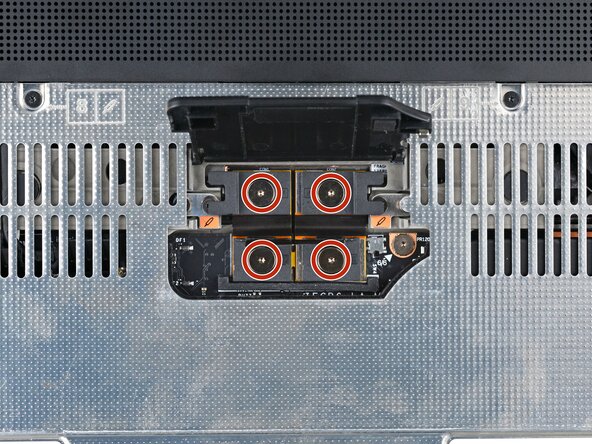
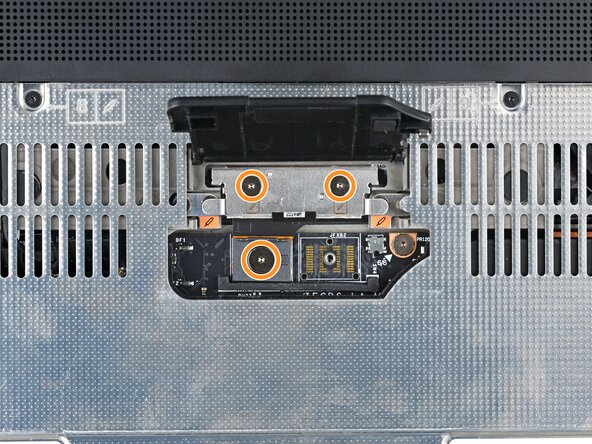
- If you have the Graphics Module installed, your interposer will have four screws. If you have the Expansion Bay Shell installed, you'll have three screws instead.
- If you have the Graphics Module, use your Framework Screwdriver to loosen the four captive T5 Torx screws securing the interposer.
- If you have the Expansion Bay Shell, use your Framework Screwdriver to loosen the three captive T5 Torx screws securing the interposer.
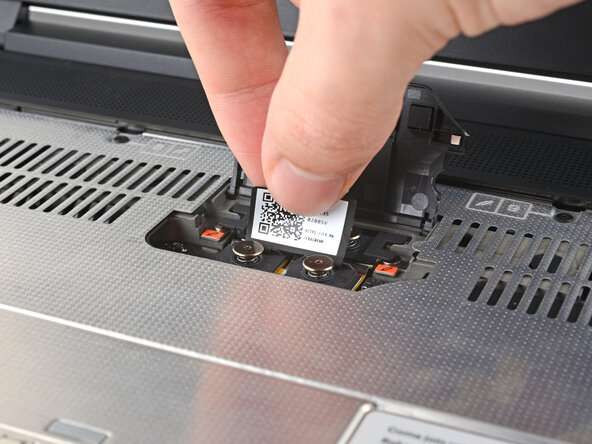
- Lift the interposer by its pull tab and remove it.
- Use your Framework Screwdriver to loosen the two captive T5 Torx screws securing the Expansion Bay Module.
- Close the interposer door before continuing.
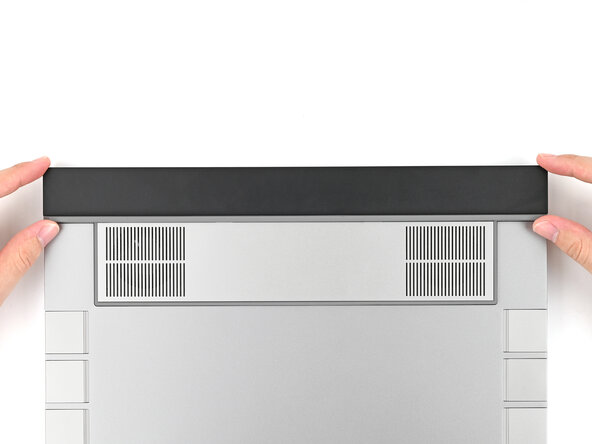
- Close your laptop and flip it over.
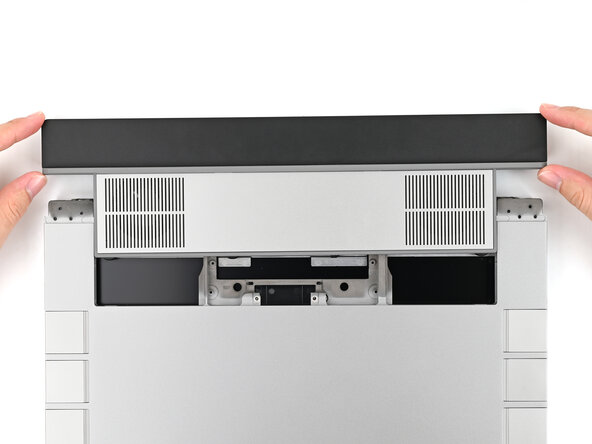
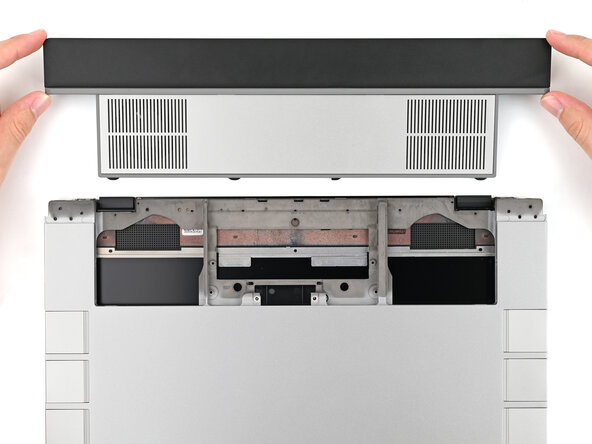
- Slide the Expansion Bay Module out of the laptop and remove it.
- The module should slide out easily. If you feel any resistance, check that the screws holding it in place are fully loosened.