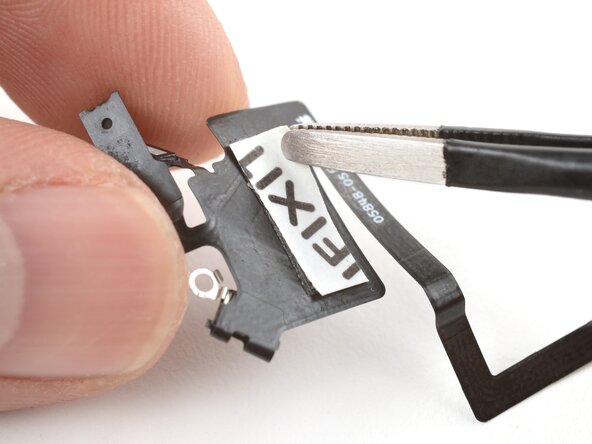
iPhone 17 Pro Max Front Sensors Installation
ID: 205739
Description:
Steps:
- The next four steps show how to attach the front sensors to the replacement screen. If your screen comes with front sensors preinstalled, skip down four steps.
- Use your finger to press the rectangular section of the front sensors cable onto the screen.
- Use a hair dryer or iOpener to soften the adhesive under the cable to help it stick. It only needs to be warm—not hot.
- If the cable isn't sticking, apply a small piece of double-sided tape to the back of the cable.
- Use your finger or a spudger to press the ambient light sensor and microphone into their recesses.
- Hook the left tab of the front sensors bracket onto the screen and set it into place.
- Use a tri‑point Y000 screwdriver to install the two 1.0 mm‑long front sensors screws.