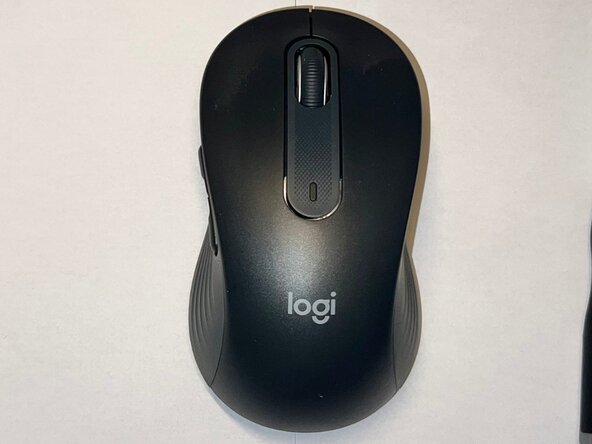
Logitech Signature M650 L Scroll Wheel Assembly Replacement
ID: 206167
Description: If your Logitech Signature M650 L wireless...
Steps:
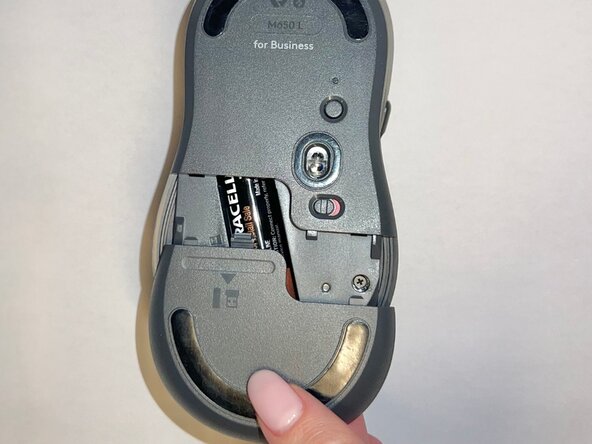
- Slide the battery compartment cover downward and lift it away from the mouse.
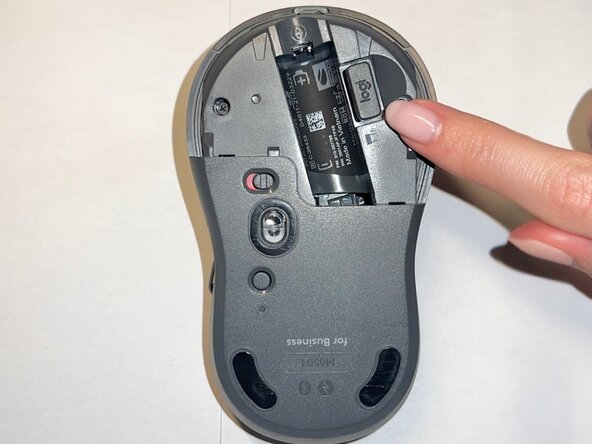
- Remove the AA battery from the battery compartment.
- Remove the USB receiver from its storage slot inside the battery compartment.
- Use a Phillips #000 screwdriver to remove the two screws securing the internal frame.
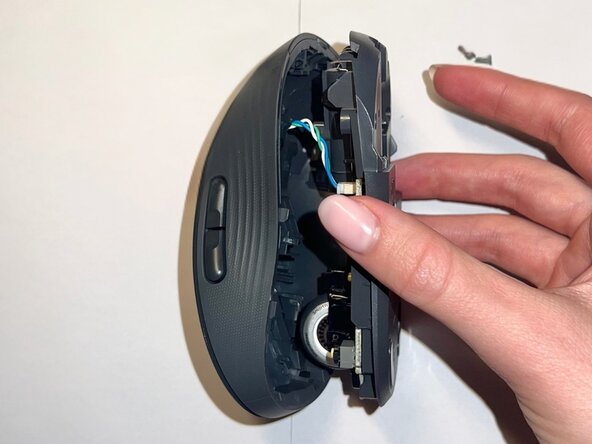
- Gently lift the top shell away from the mouse body.
- Do not remove it completely, as it is still connected to the base by a cable.
- Use a Phillips #000 screwdriver to remove the two screws securing the scroll wheel assembly.
- Lift the scroll wheel assembly out of the mouse and install the replacement assembly in the same position.
- Replace the two Phillips #000 screws to secure the scroll wheel assembly.
- Align the top shell with the base and press down along the edges until it snaps into place.
- Use a Phillips #000 screwdriver to reinstall the two internal screws.
- Insert the AA battery, reinstall the USB receiver, and slide the battery compartment cover back into place.
- Your mouse is now fully reassembled.