iPhone 17 Pro Max USB-C Removal
ID: 206322
Description:
Steps:
- Use a hair dryer or an iOpener to heat the black plastic battery buffer until it's warm to the touch.
- The large black graphite sheet (which looks like a black sticker) inside the frame is delicate. Be mindful not to scrape it with your spudger.
- If you nick the graphite sheet, don't worry—it'll still function normally.
- Use the flat end of your spudger to pry up one end of the battery buffer.
- Grab the buffer with your fingers and slowly lift and remove it.
- Use the point of a spudger to pry up and disconnect the two USB-C press connectors (one's underneath the other) from the bottom-left corner of the logic board.
- Use a JIS 00 screwdriver to remove the two 1.8 mm‑long screws securing the left logic board buffer.
- Remove the left logic board buffer and store it for reassembly.
- Remove the nine screws securing the USB-C port assembly:
- Six 1.5 mm‑long JIS 00 screws
- One 1.3 mm‑long JIS 00 screw
- Two 1.2 mm‑long Y000 screws
- If your iPhone doesn't have mmWave functionality, you may not have these screws.
- Use a JIS 00 screwdriver to remove the 1.2 mm‑long screw securing the USB-C port assembly to the bottom left corner of the frame.
- Use a JIS 00 screwdriver to remove the two 2.8 mm‑long screws securing the USB-C port to the bottom edge of the frame.
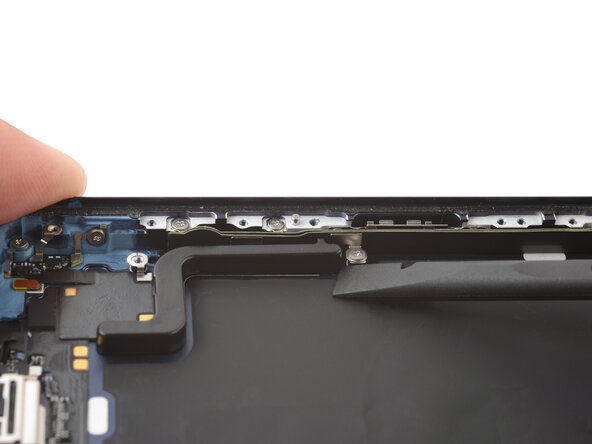
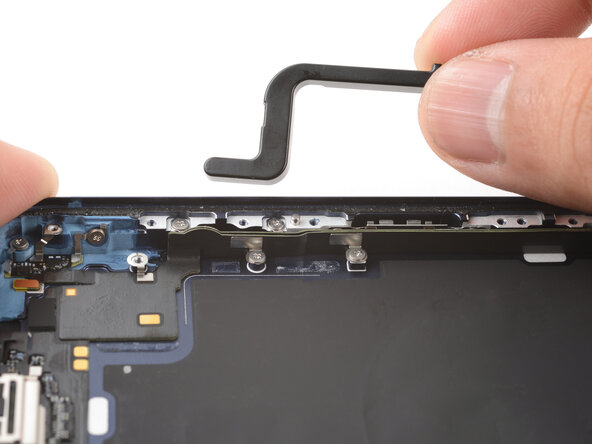
- Use the point of a spudger to pry and separate the buffer strip covering the screw in the bottom right corner of the frame.
- Use a JIS 00 screwdriver to remove the 1.2 mm‑long screw securing the USB-C port assembly to the right edge of the frame.
- Use a hair dryer or an iOpener to heat the entire USB-C port assembly until it's warm to the touch.
- Slide the point of an opening pick between the microphone module (left of the USB-C port) and the bottom edge of the frame.
- Pry gently to separate the microphone from the frame.
- The large black graphite sheet inside the frame is delicate. Be very mindful not to tear it with your opening pick.
- Slide the opening pick under the USB-C port assembly, near the center.
- Slide the pick towards the right edge of the frame to separate the adhesive holding the assembly.
- Grab the USB-C port assembly with your fingers and slowly pull it away from the frame to remove it.
- If the USB-C port assembly feels stuck, check for any missed screws and separate any remaining adhesive.