Manual Pencil Sharpener Blade Replacement
ID: 206830
Description: If the blade inside your pencil sharpener is...
Steps:
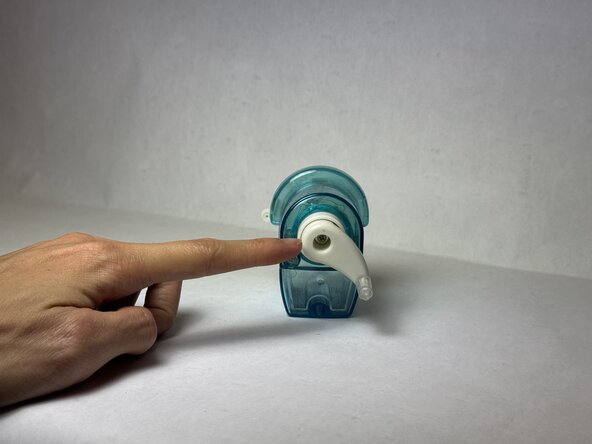
- Remove the back screw located inside the crank.
- Extract the crank from main body of the pencil sharpener.
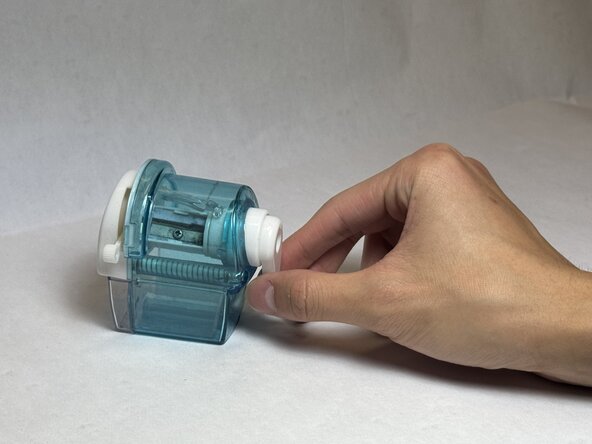
- Remove the two screws holding down the springs.
- Remove both springs from the pencil sharpener.
- Extract the front vice assembly.
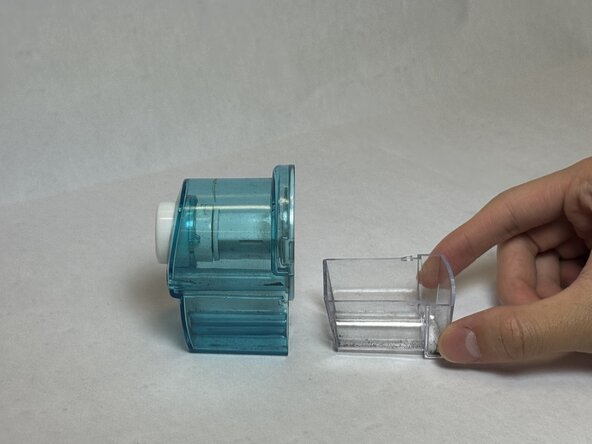
- Remove the collection tray.
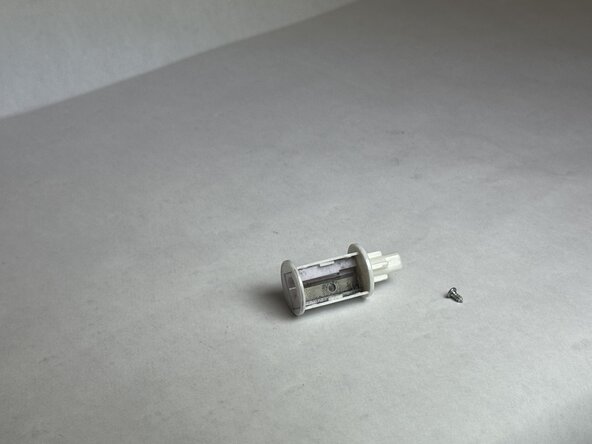
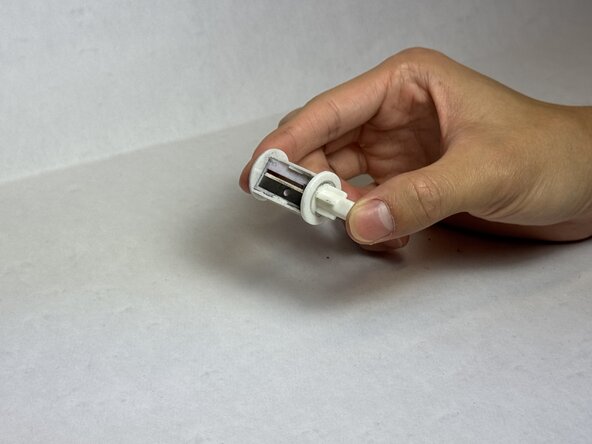
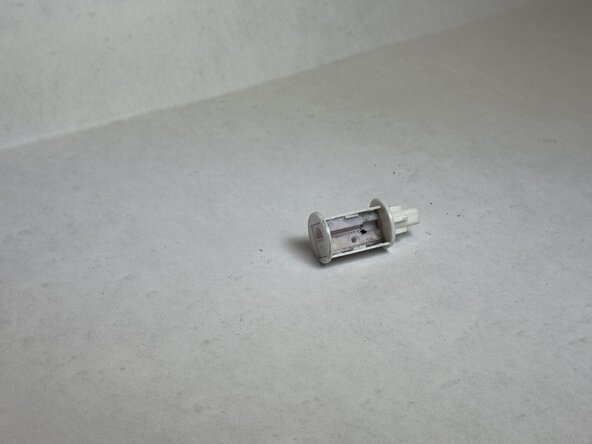
- Extract the sharpening assembly, which may require force to pull out.
- Extract the sharpening assembly.
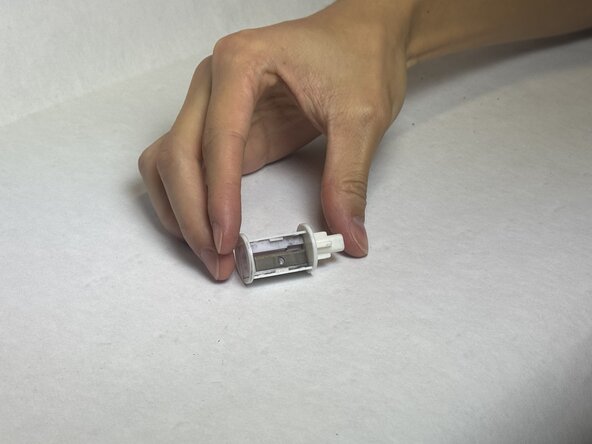
- Remove the screw holding down the razor blade.
- Extract the razor blade.
- Avoid grazing over the sides of the blade when picking up the part to prevent cuts.
- Insert the new razor blade.
- Avoid grazing the edges of the blade when inserting the razor.