Framework Laptop 13 Bezel Installation
ID: 211922
Description:
Steps:
- Before continuing, check if cables next to the hinges are routed properly:
- The Display Cable should be routed just above the hinge without any large gaps.
- Your Display Cable might come with a white sticker. This doesn't affect the routing.
- The Display Cable should be routed between the metal clips.
- The Webcam Cable should be routed just above the hinge without any large gaps and shouldn't overlap with the antenna cables.
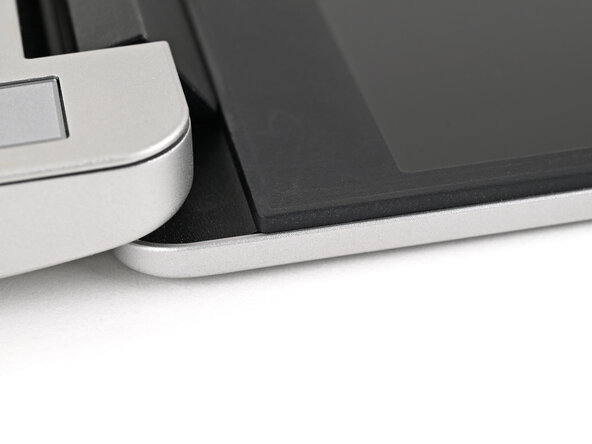
- If the cables aren't routed properly, the Bezel won't sit flat and you risk damaging the Bezel and the Display during reassembly.
- Align the bottom edge of the Bezel with the top edge of the Input Cover and press down so the Bezel covers the hinges and cables.
- The bottom edge of the Bezel should sit flat and the magnets at its edges should "snap" into place.
- Lay the rest of the Bezel over the screen and let the magnets pull it into place.
- Check that all four corners of the Bezel sit flat on the Top Cover. If they're uneven, do the following:
- Use your fingers to press around the edge of the Bezel. The magnets should easily snap into place.
- If the Bezel is still uneven, remove the Bezel and reseat it.