Dell Inspiron Chromebook 11 3181 Speakers Replacement
ID: 212414
Description: Use this guide to replace the speakers in the...
Steps:
- Remove the four 5 mm screws in the corners of the computer using a Phillips #1 screwdriver.
- Remove the two 4 mm screws to the left and right of the "Inspiron" label using a Phillips #1 screwdriver.
- Use a Jimmy to pop off the bottom computer panel.
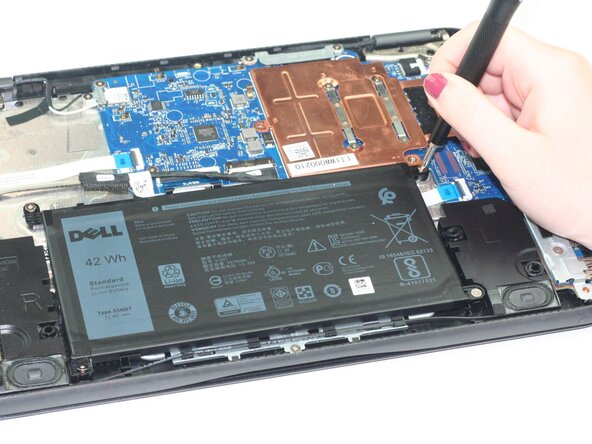
- Use a Phillips #1 screwdriver to remove the four 3 mm screws that hold the battery.
- Use a flat tool to gently detach the battery connector from the computer.
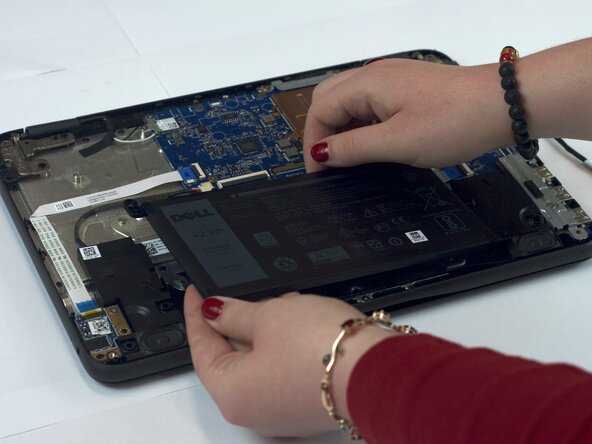
- Remove the battery.
- Remove the right speaker to the left of the battery space.
- Remove the left speaker to the right of the battery.
- Disconnect the plug connecting the speakers to the computer.