JBL Go 2 Driver Replacement
ID: 212602
Description: The internal speaker driver in a JBL Go 2 is...
Steps:
- Make sure the speaker is completely powered off and unplugged from any cording.
- Pry the speaker housing carefully, starting from the corner.
- Use a Phillips head screwdriver and unscrew the internal 9mm screws on each corner of the speaker.
- After all four 9mm screws are detached, separate the speaker housing from the rest of the speaker.
- When separating the speaker housing, make sure to be careful as internal wires are connected to the speaker housing and the rest of the speaker.
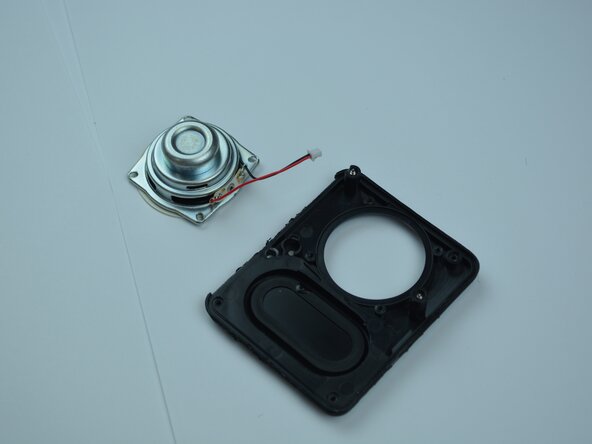
- Disconnect the driver connector.
- Remove the four 9 mm screws that secure the driver.
- Make sure the internal wires are disconnected.
- Gently pry the driver out of its assembly.