Altec Lansing Baby Boom XL Power Button Replacement
ID: 212612
Description: The Altec Lansing Baby Boom XL Portable...
Steps:
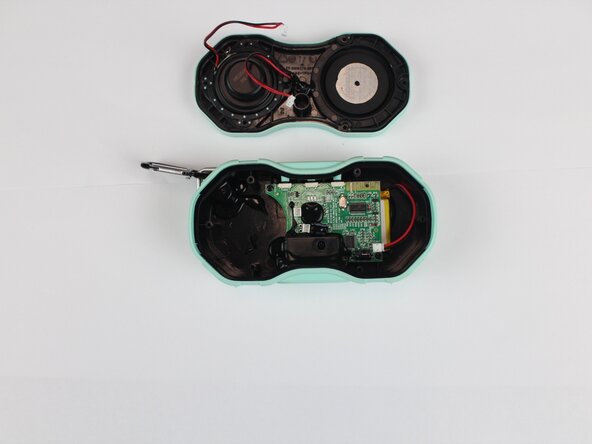
- Starting with the seam between the grille and body, pry open the speaker using the metal spudger.
- Remove the seven 11.09 mm screws using a Phillips screwdriver.
- Place the loose screws onto the magnetic project mat.
- Some units may include one shorter 9.25 mm screw. Keep track of its position for reassembly.
- Insert a spudger between the front speaker components and the housing.
- Gently separate the components.
- Lift the components slightly to expose the internal wiring.
- Disconnect the two wires attached to the speaker.
- Remove the speaker from the housing.
- Disconnect the wire connecting the battery to the motherboard.
- Remove the three 9.2 mm screws securing the motherboard using a Phillips #1 screwdriver.
- Place any loose screws onto the magnetic mat.
- Carefully take off the plastic box housing the button components using the metal spudger; this may take some pressure.
- There may be some glue holding down the internals; it is easily peeled off using the angled tweezers.
- Use angled tweezers to carefully grip the motherboard and lift it out of the device.
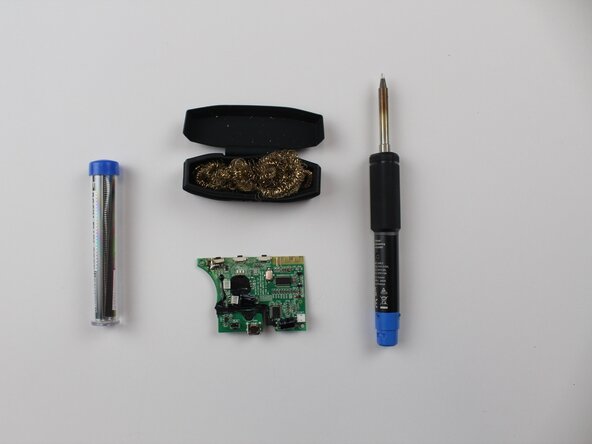
- Follow iFixit’s soldering guide for proper technique. How To Solder and Desolder Connections
- Make sure to pay attention to how much solder you are feeding in; too little, and you won't get a good connection; too much, and you could short the pins.