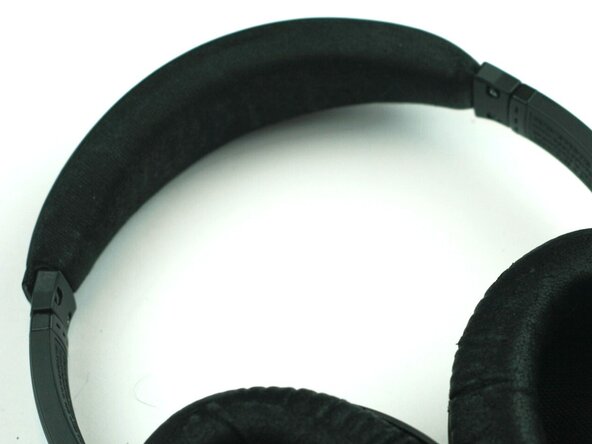
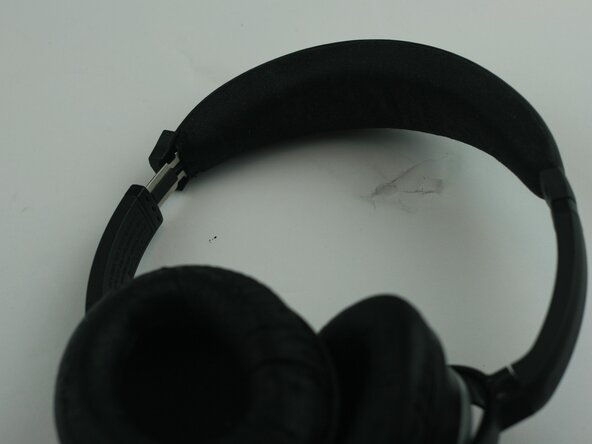
Bose QuietComfort 15 Headband Padding Replacement
ID: 212615
Description: The headband padding for the Bose QuietComfort...
Steps:
- Identify the worn headband padding.
- Remove the two 2.0mm Phillips #00 screws securing the headband assembly on each side.
- Do not use excessive force, as it can damage the plastic underneath.
- Good lighting can help you see how the padding is attached.
- Use rubbing alcohol and a paper towel to remove leftover adhesive.
- Wipe away dust and debris.
- Ensure the surface is smooth and dry.
- Use a pair of scissors in order to remove the old headband padding.
- A clean surface helps the new padding stick properly.
- Align the new padding with the headband.
- Press it firmly into place along the entire length.
- Make sure it is evenly secured.
- The padding should sit evenly and feel secure, if any areas lift, press them down again until fully attached.