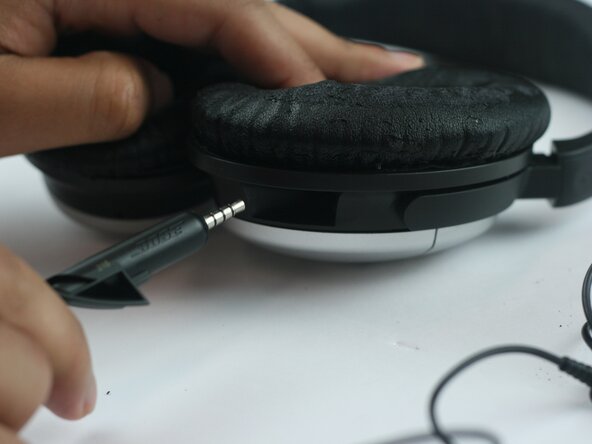
Bose QuietComfort 15 Audio Cable Replacement
ID: 212616
Description: The Bose QuietComfort 15 headphones uses a...
Steps:
- Hold the headphones with the earcups facing the ceiling.
- Find the cable port on the right earcup.
- Ensure the cable is not tangled or under tension.
- The cable uses a connector designed specifically for these headphones.
- Check for dust, lint, or debris inside the port.
- Clean gently with a dry cotton swab or a soft brush if needed.
- Do not insert metal objects into the port.
- Align the new cable with the port.
- Push it in until it feels secure.
- Plug the other end into your device.
- Test audio in both earcups.
- Do not force the cable if it does not slide in easily.
- A proper connection should produce clear, stable audio without cutting out.