GameSir Super Nova Battery Replacement
ID: 212623
Description: Use this guide to remove and replace the...
Steps:
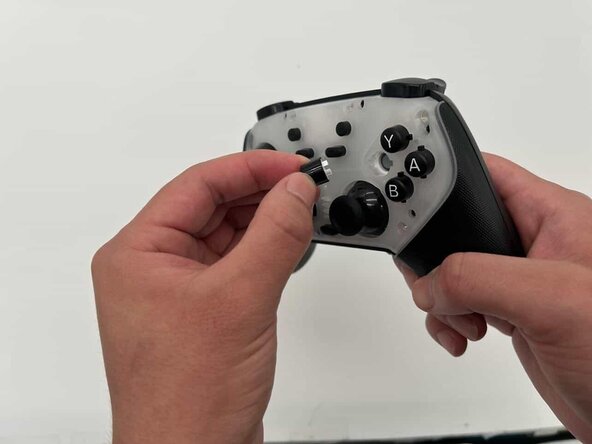
- Press your fingertips into the seams of the controller and gently pry the faceplate off.
- Remove the interchangeable buttons and joystick caps from the controller by pulling them up.
- Remove the seven 7 mm screws from the outer shell using a Phillips #00 screwdriver.
- Use your iFixit opening tool to disengage the clips of the back of your controller shell.
- Be careful when prying apart, as the rumble motors are loosely seated in their spots and may move around.
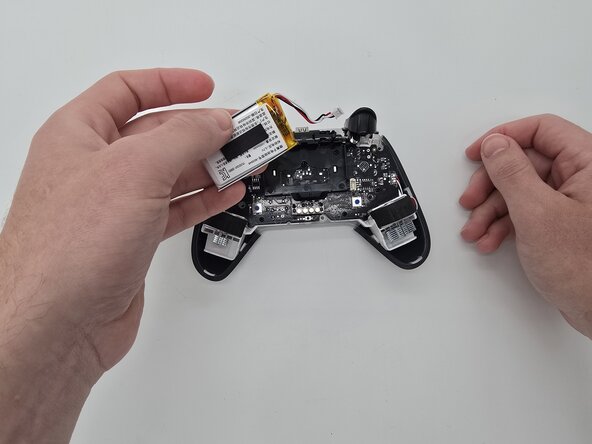
- Using your fingers, disconnect the battery's connector from the socket.
- Remove the battery.