Microsoft Surface Pro 8 SSD Door Replacement
ID: 212640
Description: Follow this guide to replace a broken, damaged,...
Steps:
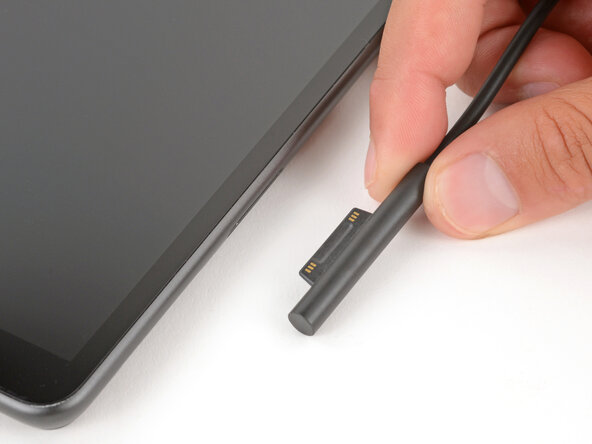
- Before starting your repair, unplug all cables and fully shut down your Surface Pro.
- Open the kickstand to about 90 degrees.
- Firmly press a SIM eject tool into the small hole in the corner of the SSD door until it pops up.
- Alternatively, you can also use a small, straightened paper clip.
- Remove the SSD door.