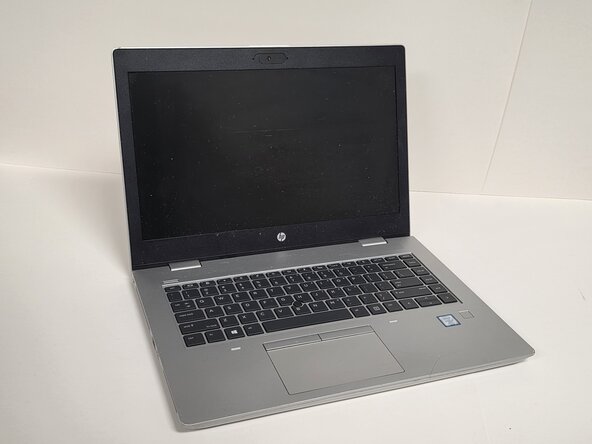
HP ProBook 640 G5 WLAN Module Replacement
ID: 212668
Description: A laptop’s WLAN module (also called the Wi-Fi...
Steps:
- Always make sure the HP ProBook 640 G5 is completely powered off and unplugged before beginning this repair. Attempting to open the laptop while it has power may cause electrical damage or personal injury.
- Shut down the HP ProBook 640 G5 completely.
- Disconnect the power adapter and all connected peripherals.
- Press and hold the power button for 5 seconds to discharge remaining electricity.
- Flip the laptop over so the bottom is facing up.
- Loosen eight silver 6mm screws using a Phillips #0 screwdriver.
- These screws are captive, so they will loosen but remain attached to the cover.
- Remove two black 6mm screws using a TR7 Torx screwdriver.
- Insert a plastic opening tool into the seam and gently pry around the edges.
- Lift the bottom cover away from the laptop.
- When replacing the WLAN module, avoid touching the gold contacts and black chips. Handle the stick only by its outer edges or plastic/metal shielding. Touching the chips or gold contacts can introduce static electricity or oil from your fingers, potentially causing damage or poor connectivity.
- Locate the WLAN module.
- You can identify it by its small size (usually M.2 2230) or labels such as WLAN, Wi-Fi, or M.2 nearby.
- Remove the single screw holding the WLAN card down.
- The card will pop up at an angle (about 25–30 degrees).
- Slide it straight out of the socket.