HP Pavilion 15-cs3079nr Lower Case Replacement
ID: 212751
Description: Aesthetic damages like knicks and cracks are...
Steps:
- Power the device off before disassembly.
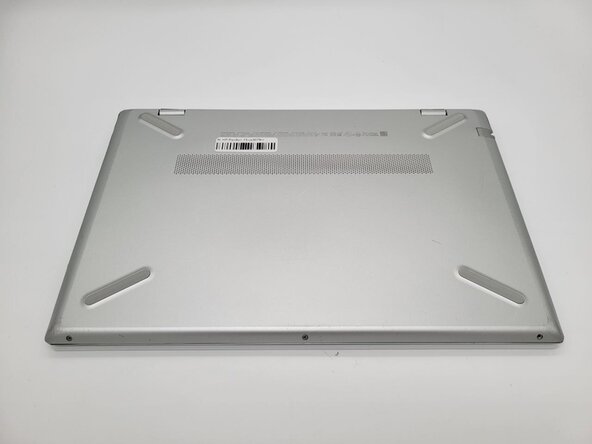
- Close the device and flip it so the bottom panel faces up.
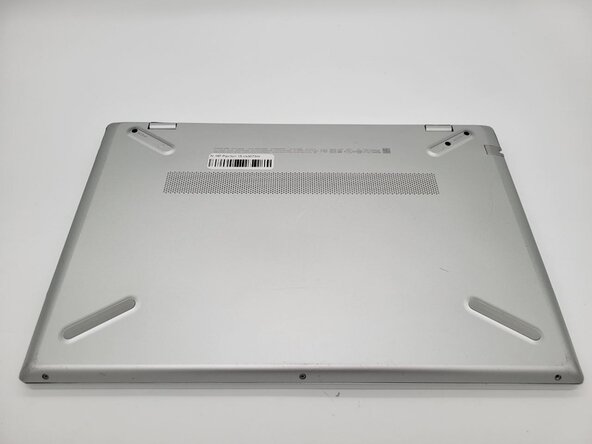
- Remove the two silicon feet near the hinges with a spudger.
- If you intend to reuse the feet, heat them with a hairdryer prior to removal and take care not to bend, warp, or stretch them.
- Use a Phillips #0 screwdriver to remove the three 7 mm screws from the recesses.
- Use a Phillips #0 screwdriver to remove the three silver 5 mm case screws from the front of the device.
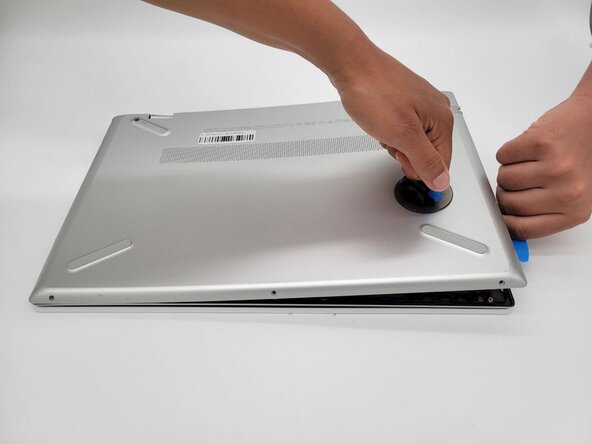
- Place the suction handle on the case.
- Insert an opening pick between the case sections and work around the perimeter of the device to separate the lower case from the chassis.