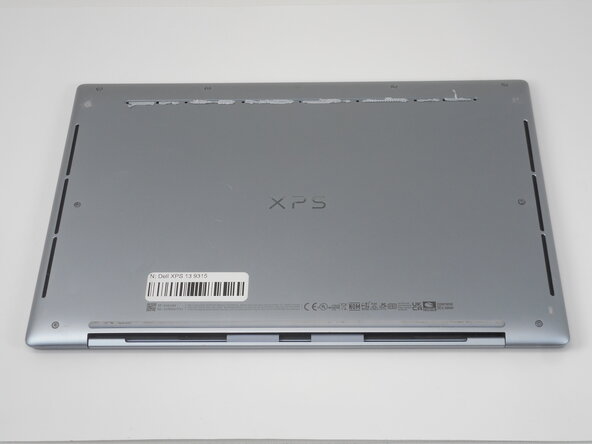
Dell XPS 13 9315 Lower Case Replacement
ID: 212919
Description: Use this replacement guide to remove the back...
Steps:
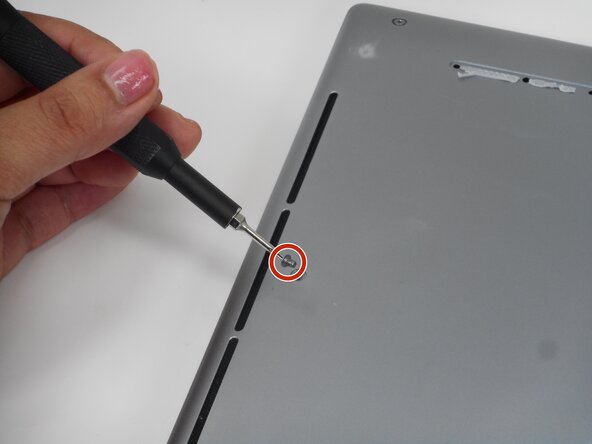
- Use a T5 Torx screwdriver to remove the eight 3.2 mm-long screws securing the lower case.
- Insert an opening pick into the seam between the lower case and chassis.
- Slide the pick around the entire perimeter while prying to disengage the retaining clips.
- The back cover has 13 retention clips attached to the inside of the laptop making it difficult to open the laptop.
- Make sure that all clips are disengaged, then remove the lower case.