HP ProBook 440 G6 Battery Replacement
ID: 213092
Description: Does the battery of your HP ProBook 440 G6 need...
Steps:
- Using a Phillips #0 Screwdriver, remove the two 5 mm screws on the front-facing side of the lower case.
- Using a Phillips #0 Screwdriver, remove the remaining five 5 mm Phillips screws securing the lower case.
- The two screws in the front of the backplate are of a differing size to the other five.
- Starting under the display, carefully use a plastic prying tool (iFixit opening tool) to disengage the retaining clips.
- You may hear soft clicking sounds as the clips come undone.
- Once a corner or edge starts to lift, slowly slide the tool along the edge to loosen more of the bottom panel.
- Keep working around the edges until all the clips are loose.
- Gently lift the rear of the cover to disengage it from the computer.
- Carefully remove the bottom cover from the computer.
- Using a Phillips #0 Screwdriver, remove the two 4mm Phillips screws that secure the battery to the computer.
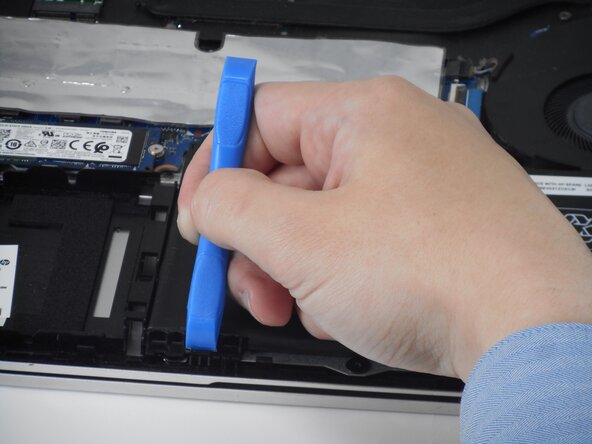
- Use a tool to push the tab back on the bottom left of the battery.
- Lift the top of the battery.
- Lift the battery out of the computer.