Nokia 225 4G 2020 Speaker Replacement
ID: 213373
Description: If your Nokia 225 (2020) is experiencing issues...
Steps:
- Insert an iFixit opening pick into the seam along the bottom edge of the phone’s back cover.
- Slide the pick around the edges of the cover to release the retaining clips.
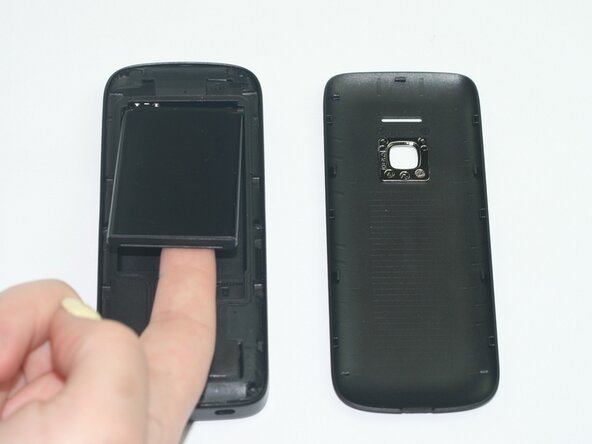
- Remove the back casing to expose the battery.
- Remove the battery by lifting it from the edge near the microSD card slot.
- Install the battery, ensuring the metal contacts align with the connector at the bottom right of the compartment.
- Use a T3 Torx screwdriver to remove the six screws along the edge of the bottom cover.
- Insert an iFixit opening tool into the seam between the display and midframe and slide it around the edges to release the retaining clips.
- Hold the device on both sides, then separate the display and the midframe to expose the motherboard.
- Remove the motherboard.
- Use a spudger to pry the speaker module carefully from the phone.