Playstation Controller Fast Fix
ID: 213509
Description: This guide provides a quick and practical fix...
Steps:
- Turn off the controller and disconnect it.
- Prepare tools including a precision screwdriver set, plastic pry tool, tweezers, isopropyl alcohol, and cotton swabs.
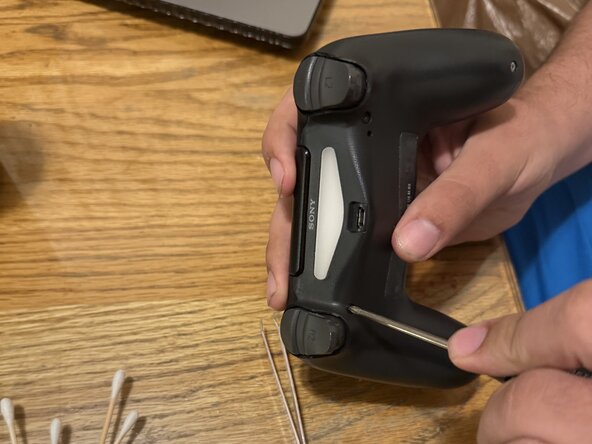
- Locate and remove all screws from the controller casing using a screwdriver. top and bottom.
- Carefully pry open the controller using a plastic tool to avoid damaging components.
- Gently detach the battery and ribbon cables to access the motherboard, and then unscrew the motherboard retainer(black cover)
- Identify the joystick assembly attached to the circuit board. Note: look hard for this one. It's a bit small
- Apply isopropyl alcohol to the base of the analog stick and rotate it to remove dirt and other stuff. Note: be careful on how hard you clean with the swabs, and don't apply too much rubbing alcohol.
- Reconnect all components, close the controller, and test it to ensure the stick drift is resolved. Note: since the battery was removed during the procedure, charging the controller is a must after putting it back together.