Tribit Stormbox IC-BTS30 Front Panel Replacement
ID: 213589
Description: This guide will show how to remove the front...
Steps:
- Place the speaker on your work surface.
- Use a plastic opening tool to lift the edge of the rubber base and peel it away from the housing.
- Set the rubber base aside.
- Remove the 5.4 mm screw securing the small carry strap using a 4 mm flathead screwdriver.
- Gently slide the strap and its plastic bracket out of place.
- Set the strap and screw aside.
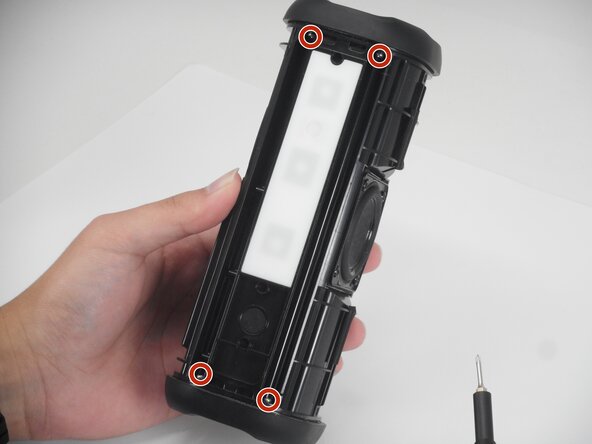
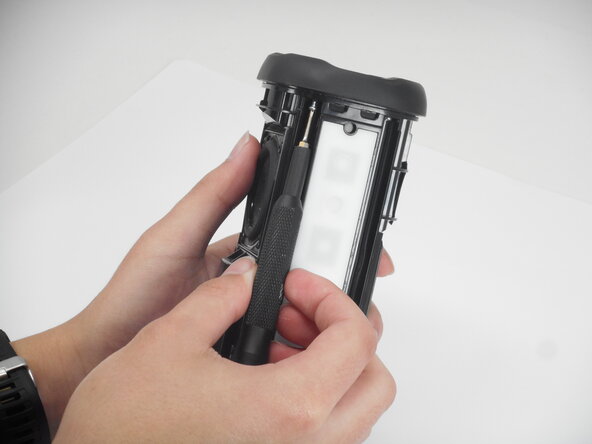
- Use a Phillips #00 screwdriver to remove the 11.4 mm screws along the panel.
- Gently lift the rubber control panel away from the housing.