Teardown
ID: 218188
Description:
Steps:
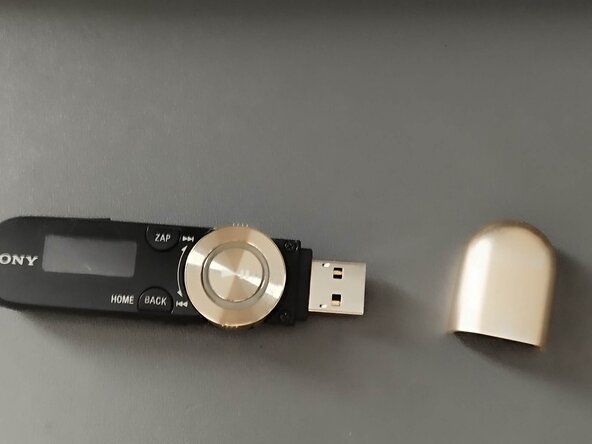
- To begin, remove the USB port cover.
- Continue by removing the two screws near the USB connector.
- Then, use a metal spudger to remove the front housing.
- To remove the front housing wheel, you need to unscrew two screws.
- To remove the board, unscrew the two screws
- Remove the board using a spudger
- To remove the buttons from the lower case, use a screwdriver or a toothpick to push them out.
- To remove the battery from the board, simply pull the battery.