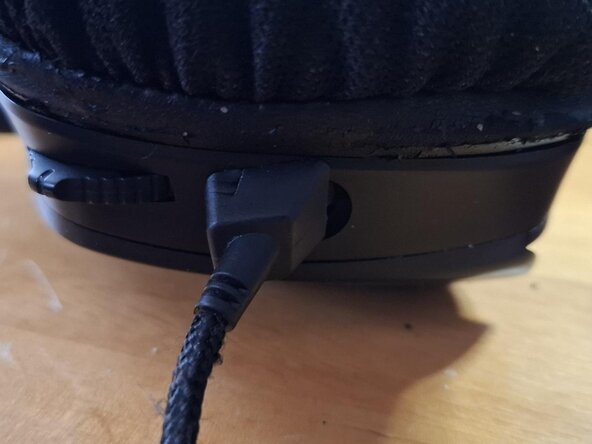
Corsair Void Pro RGB (wired) USB-Cable replacement
ID: 219026
Description: This Guide is for the old Version of the...
Steps:
- Remove the left ear pad
- Remove the screws
- Carefully lift the plastic, to not damage the speaker cable
- Cut the wires coming from below, red, white, green, small black and thick black
- Remove the two screws next to the cable
- Turn the cable 180° to be able to remove it
- Take your desired USB-A replacement cable
- Cut it to length if needed. Prepare the ends like the old cable
- If the strain relief is reusable, pull the cable through
- Bring the new cable in place and remove the old ones one after another to attach the same colored wires of the new cable
- If you cable already has its own strain relief (here: from a defective Corsair mouse), cut it in shape and glue it to the outside