USB Port Replacement
ID: 219274
Description: Today we will see how simple it is to replace a...
Steps:
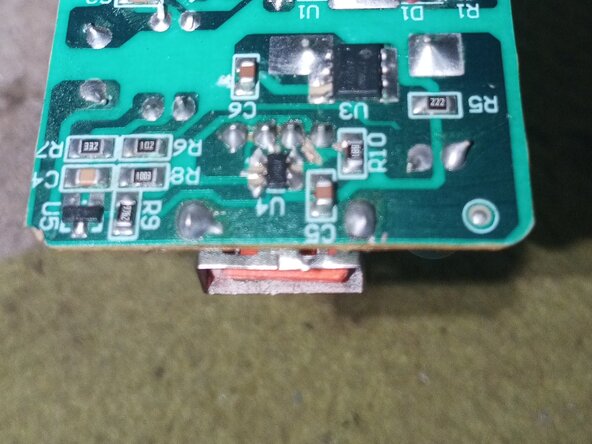
- If you are starting on the electronic board, we can see the label USB here; we will place the new USB port or the spare part from another board here.
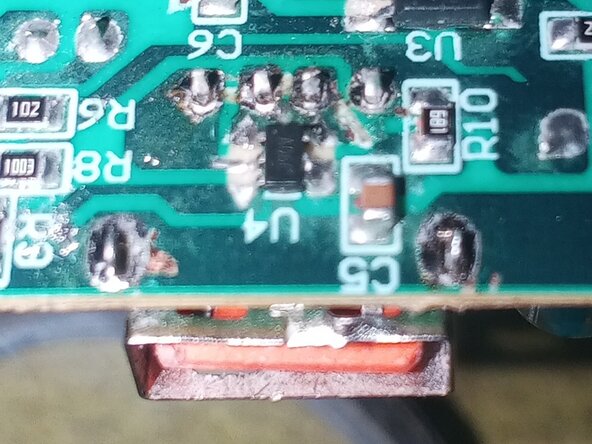
- On the back with a mesh, we will remove the solder where the USB port pins enter.
- Once the solder is removed with the desoldering wick or a solder sucker, proceed to install your USB port.
- Position the port in its place; if cleaned well, it will fit perfectly. Then, proceed to solder the port with solder. A tip: first fix the USB port anchors, and then solder the pins.
- This is how our USB port should look after having soldered and cleaned it with isopropyl alcohol; always ensure that the solder does not bridge with other pins or traces.
- Now you can repair players or chargers damaged by their USB port. I recommend that you save the USB ports from damaged chargers; they will serve as replacements, provided their pins are in perfect condition.